Editor's Review
Never be caught off guard by rain again! ☔️ AccuWeather's popular app provides ultra-local forecasts, keeping you informed whether you're heading to work or planning a getaway. ✈️ With over a decade of reliable weather tracking, it's your go-to for daily updates and severe weather alerts.
Millions trust
Features
- AccuWeather's Superior Accuracy™! ✨ Download the app and always be prepared for whatever the weather brings! 📲
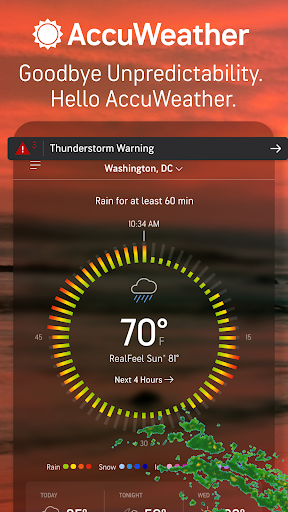
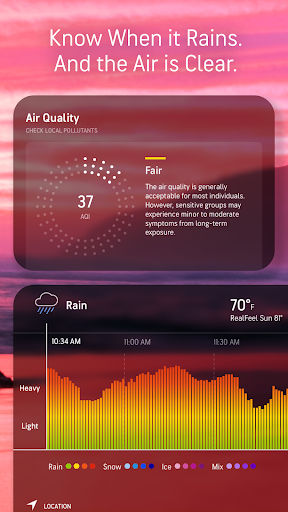
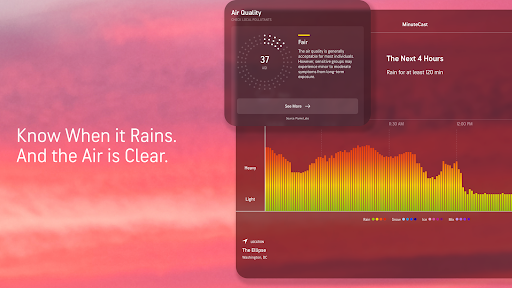
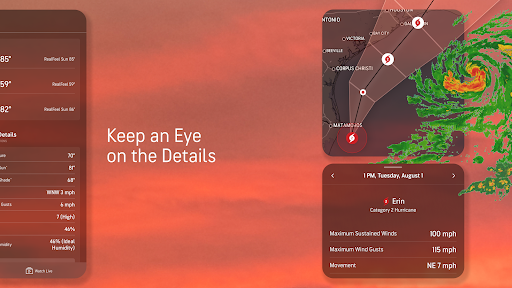
- MinuteCast® Planning outdoor activities Get minute-by-minute precipitation forecasts for the next two hours, so you know exactly when rain or snow will start and stop, keeping you prepared. 🌦️ Perfect for hikers, event planners, and anyone who loves the outdoors! 🌳 WinterCast™ Facing a snowy forecast? ❄️ WinterCast™ gives you advanced warnings about the chance and amount of snowfall, helping you prepare for winter weather. Great for commuters and homeowners who need to plan for snow removal and travel. 🚗 RealFeel® Want to know the real feel? 🥵🥶
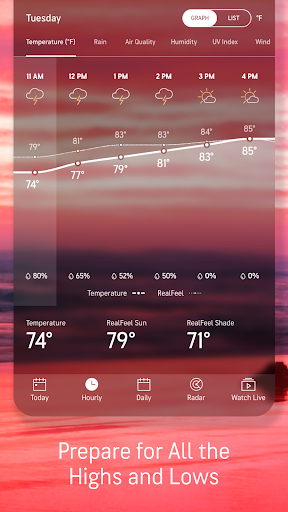
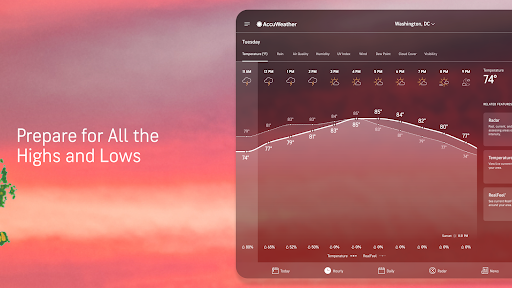
- RealFeel® and RealFeel Shade Temperature™ provide a more accurate sense of what the weather actually feels like, helping you dress appropriately and plan your day comfortably. Essential for anyone going outside! 😎
Pros
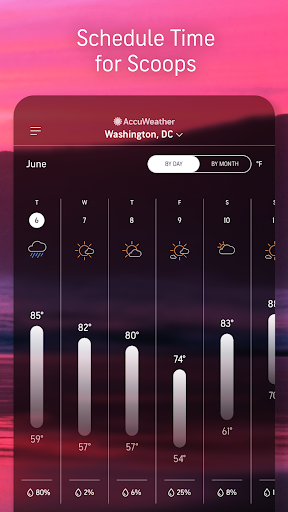
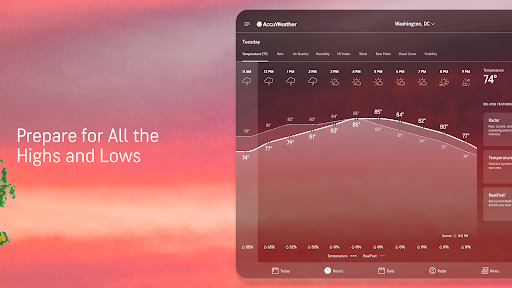
- The interface is highly intuitive, making complex weather data easy to understand at a glance. Switching between daily, hourly, and extended forecasts is seamless. 🌟
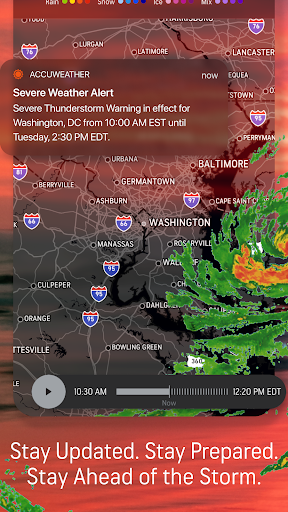
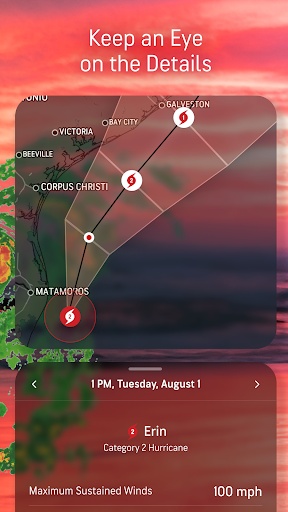
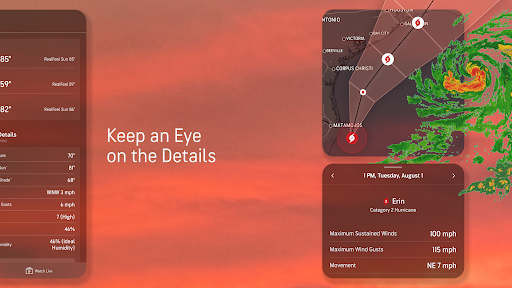
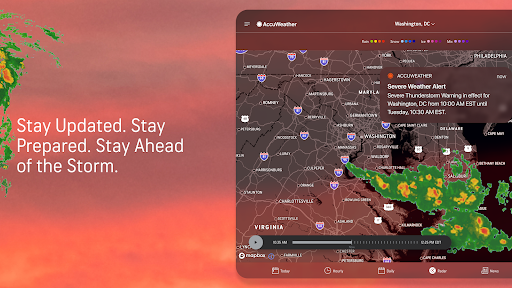
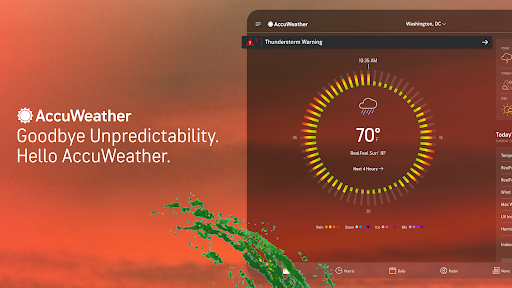
- Severe weather alerts are timely and accurate, providing crucial early warnings that can greatly affect safety and preparedness. Total peace of mind! 🛡️
- Customization options like personalized alerts and tracking multiple locations are great for tailoring the app to your needs. It truly adapts to you! 👍