

Why this app stands out
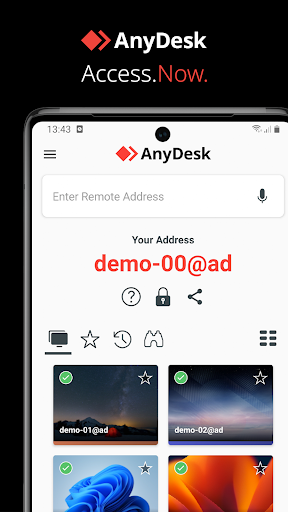
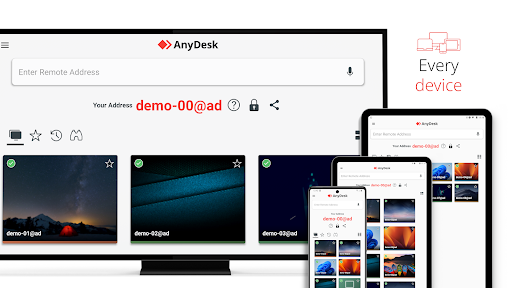
Have you ever wanted to grab a file from your office computer while relaxing on your sofa, or assist a buddy with their PC issues from far away? 🤔 AnyDesk turns that into reality! This robust remote support tool links you to any device, anywhere, with security and dependability.
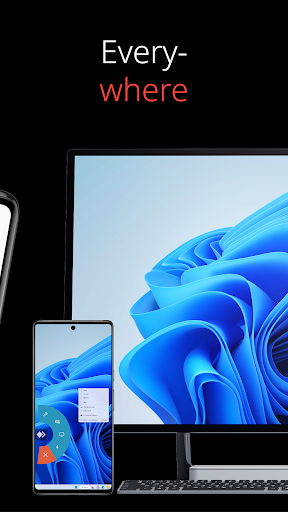
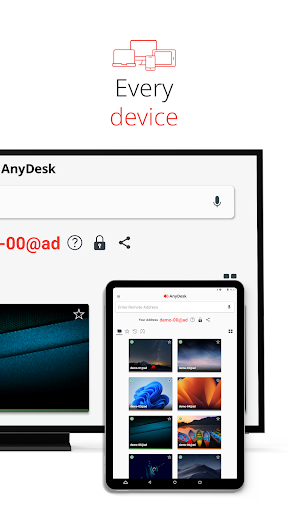
💻 Whether you're an IT expert or just need a quick solution, AnyDesk provides smooth access. With over 300 million users globally, it's the top choice for easy remote control. ✨ Try it out and enjoy the liberty of remote access! 🚀
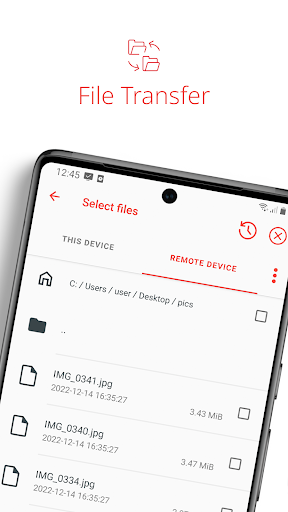
File Transfer
Easily transfer files back and forth between your linked devices, ideal for exchanging big files or vital project resources when you're apart. A real boon for remote workers and learners who need to collaborate while mobile. 📂💨
Remote Printing
Print files from a distant device straight to your local printer with no complicated configuration. Perfect for tech support that has to print error logs or for anyone who must print something remotely. 🖨️✅
Wake-On-LAN
Turn on your distant computer from sleep or hibernation before you connect. That way, your machine is ready the moment you need it, cutting down on time and trouble when accessing it from afar. 💡💻


