

Why this app stands out
Ever driven off wondering if you closed the garage door? 😟 Or perhaps you're awaiting a parcel and need to grant temporary access without leaving your workspace? 🧑💻 myQ turns that worry into peaceful confidence, letting you manage your garage, gate, or commercial door from anywhere on the planet!
🌍 With over 10 million devices connected, people trust myQ to secure and make their property accessible. Picture the convenience of knowing your home is safe with a single tap! ✅ Get myQ now and unlock a new level of smart entry control. ✨
Remote Control
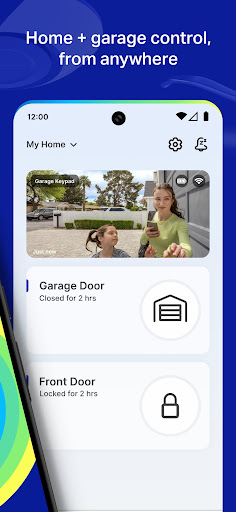
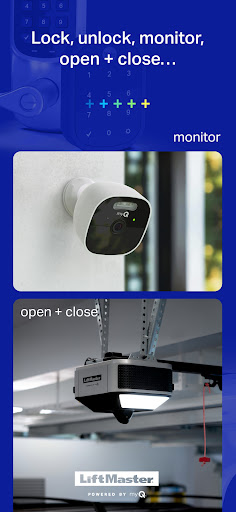
Open, close, and monitor your garage door or gate from any location with internet access. Perfect for busy individuals or frequent travelers, ensuring your property stays secure and accessible. 🏡✅ It provides peace of mind, knowing you can control entry remotely whenever you need. 📱
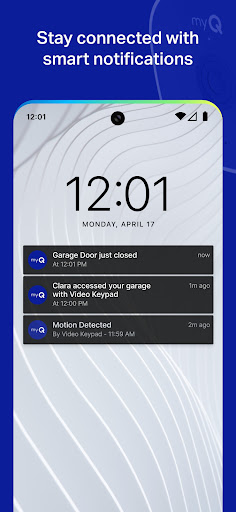
Smart Alerts
Receive real-time alerts on your phone whenever activity occurs at your garage or gate. 🚨 Great for homeowners with children or those focused on security, this feature keeps you always informed about who is coming and going. 👨👩👧👦👍 It enhances home safety by delivering instant notifications. 📲
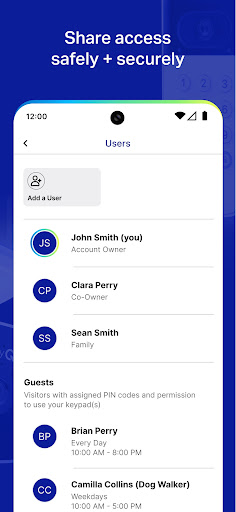
Access Sharing
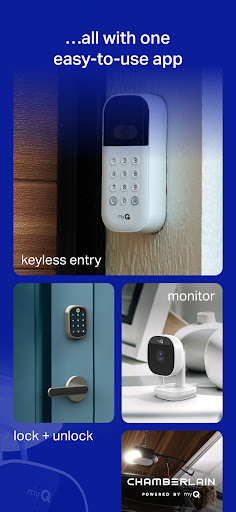
Grant temporary or permanent access to family, friends, or service personnel. 🔑 Essential for busy households or when you need to let a delivery person in, this feature offers secure and convenient sharing. 🤝 It simplifies managing who can enter your property. ✨


