
Why this app stands out
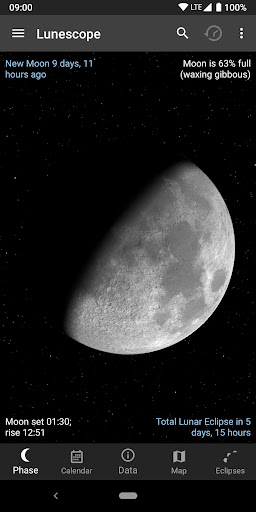
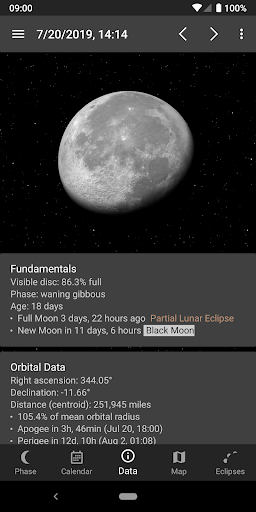
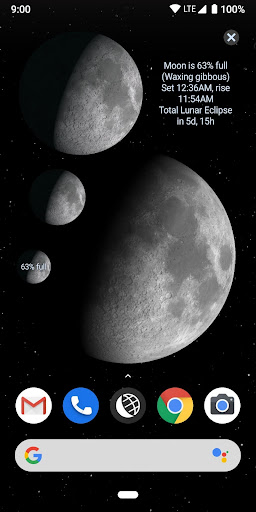
Ever asked yourself what the moon currently looks like, or when the next full moon will illuminate the night sky? 🌕 Imagine holding the cosmos in your palm with a highly accurate 3D moon model that shifts phase and brightness according to your chosen date and location. 🌍 Users rave about its realism, with one reviewer calling it "the most realistic moon app I've ever seen." ✨ Whether you're new to astronomy or just curious about lunar phases, Lunescope turns celestial wonder into a simple, engaging experience.
🚀 Download it now and see the moon from a fresh perspective! 🔭 Interactive 3D Moon See the moon in stunning 3D with authentic shadows and textures. Tap to change date/time and location to match your sky.
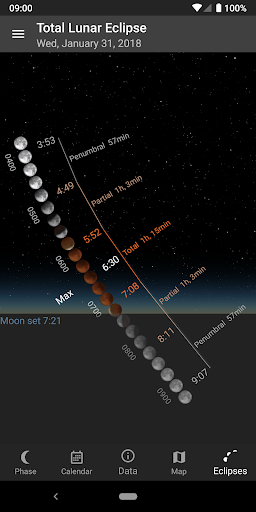
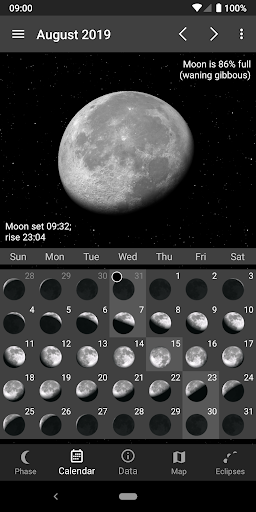
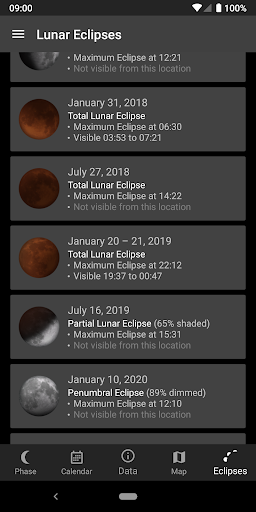
Lunar Calendar
&
Eclipses
Easily view moon phases, rise/set times, and syzygies for any date. Includes exclusive visualizations for all lunar eclipses. Ideal for stargazers and event planners requiring precise celestial timing. 📅🌙 Never miss an eclipse again!
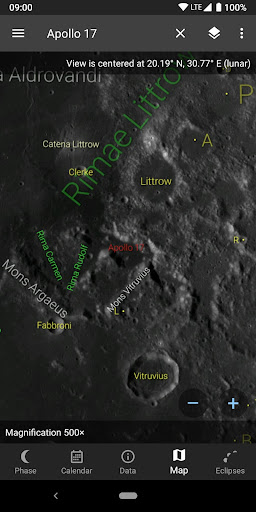
Detailed Lunar
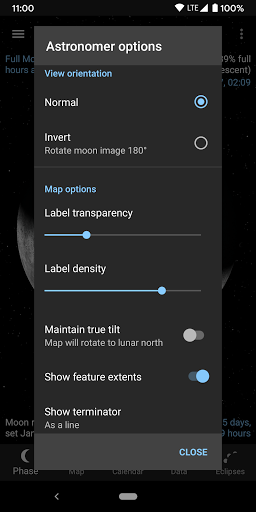
Map Examine the lunar surface with up to 2500x magnification. Identify craters, mountains, and other features with unmatched clarity. Essential for amateur astronomers and space enthusiasts. 🔭🗺️ Discover the moon's hidden details!


