Editor's Review
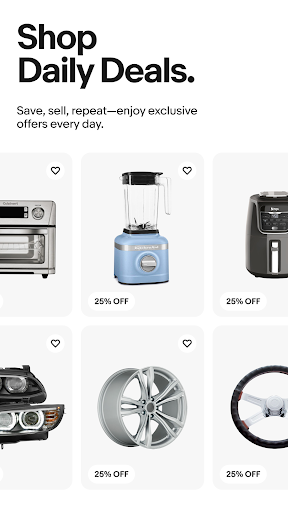
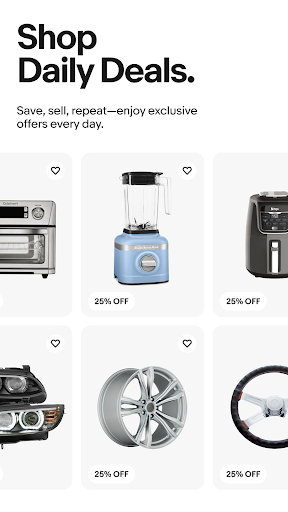
Ever wanted to declutter your wardrobe for cash or hunt down that hard-to-find perfect item from your couch? 🛋️ The eBay app makes these dreams a reality, delivering a vibrant marketplace right to your phone! ✨ With millions of listings and a user-friendly interface, finding great deals on fashion, electronics, or car parts has never been easier.
🤩 Join the millions who have transformed their shopping and selling experience. Download the app now and start your next discovery or sale! 🚀
Features
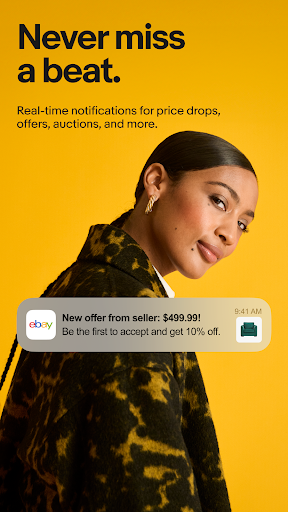
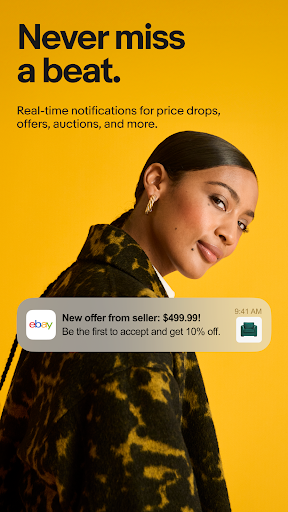
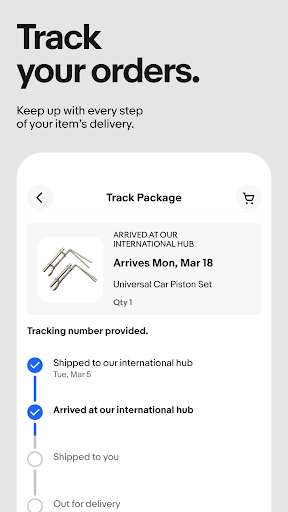
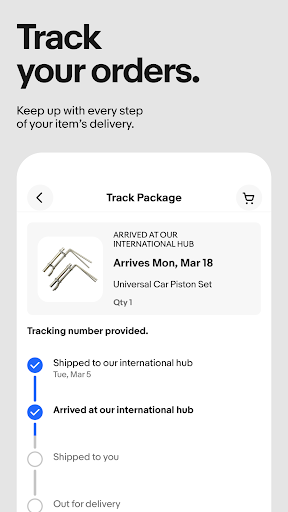
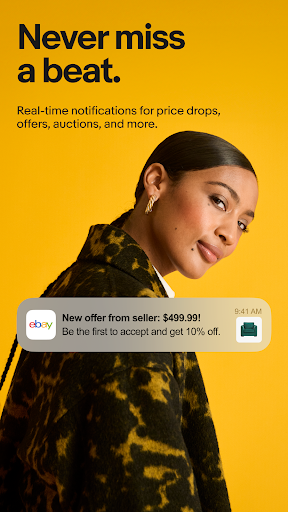
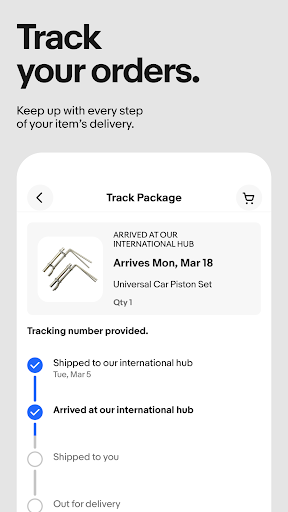
- Instant Alerts Never miss a deal or update! Get immediate alerts for auctions, shipping updates, and customized notifications delivered directly to your device. Perfect for savvy buyers and sellers who want to stay in the loop. 🔔
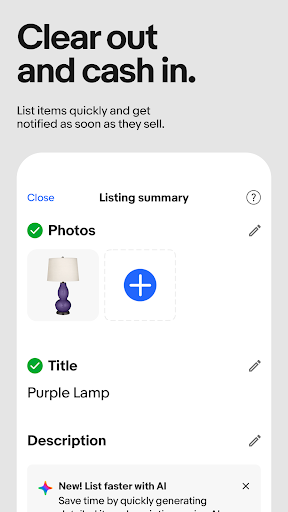
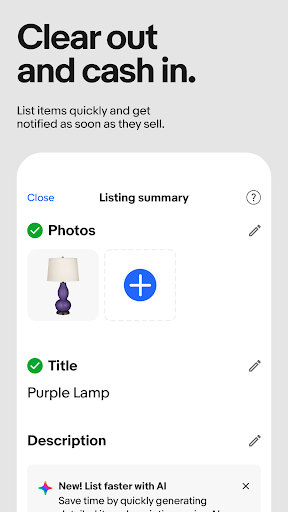
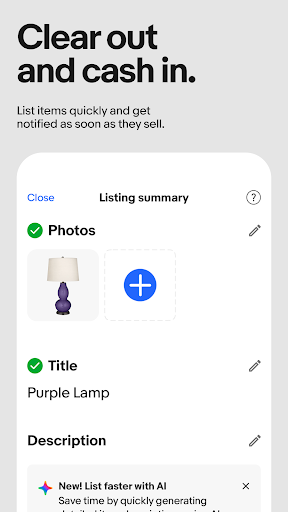
- Effortless Selling Turn your unwanted items into cash! Easily list clothes, electronics, or car parts with our barcode scanner and photo upload tools. Manage orders and chat with buyers instantly, making selling effortless for anyone. 💰
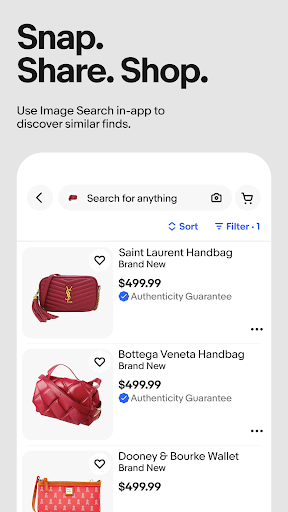
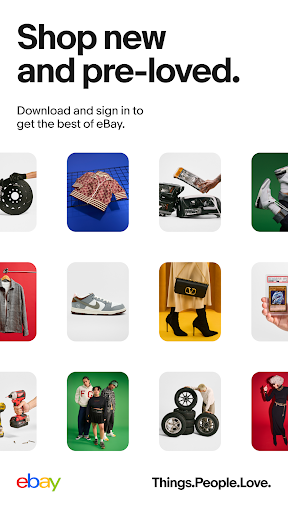
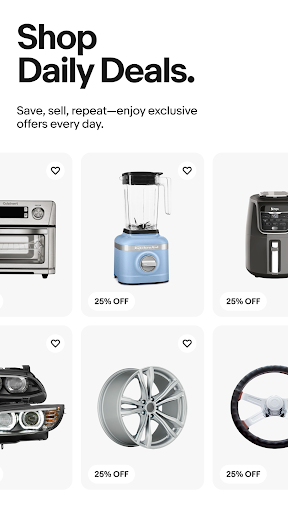
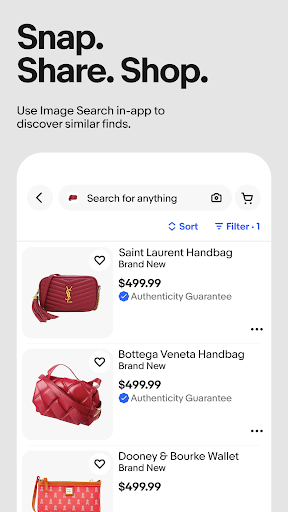
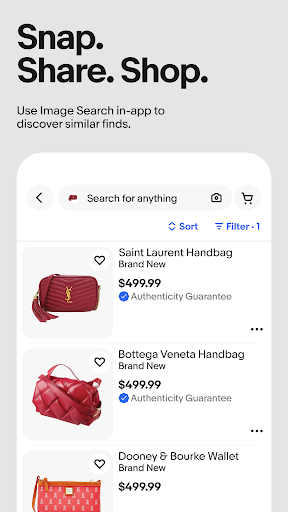
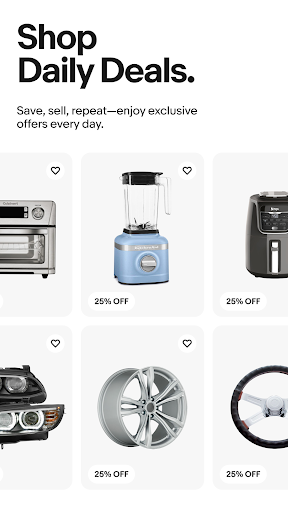
- Smart Shopping Discover one-of-a-kind finds by condition, category, or even with a picture! Whether you want new sneakers, pre-loved clothing, or refurbished gadgets, shop with confidence and save on quality items. 💖
Pros
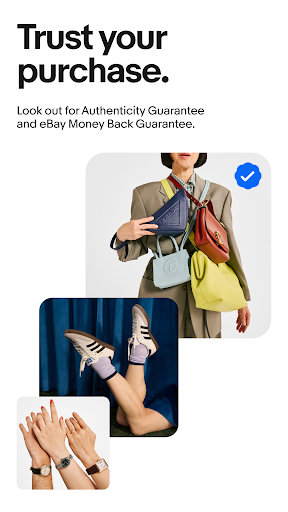
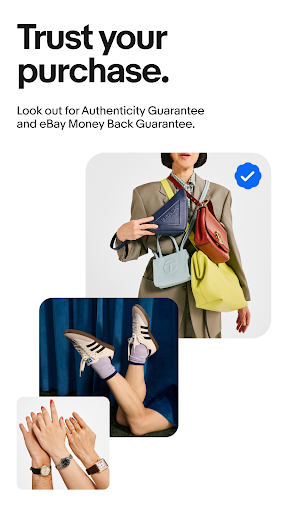
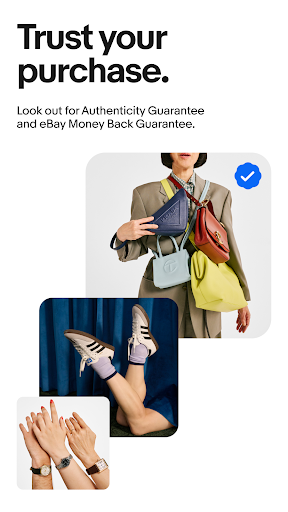
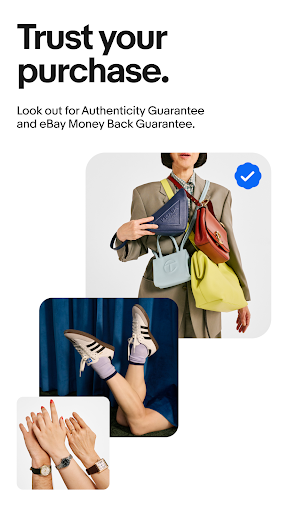
- The barcode scanner for listing items saves a lot of time, especially for books and electronics. Uploading photos and videos is simple, making the selling process faster than expected. Image search shopping is surprisingly accurate and fun! It's great for finding exact items or discovering similar styles you hadn't considered. The Authenticity Guarantee for sneakers and trading cards builds significant trust, making high-value purchases feel much safer and more reassuring for buyers.