




Why this app stands out
Imagine a journey where peace of mind is your co-pilot. 🏍️ GeoRide keeps your motorcycle connected and protected, offering real-time location and advanced safety features. Over 50,000 riders trust GeoRide to safeguard their bikes and secure their trips.
🌎 Discover how GeoRide can enhance your riding experience and deliver top-notch protection, letting you enjoy the thrill of the open road. ✨ Connect your bike today and ride with confidence! 💪
GPS Tracker
Track your motorcycle in real time from anywhere in the world. 📍 View detailed trips with speed, lean angle, and weather data. 📊 Great for monitoring your bike or reliving your best rides. 🗺️ An essential tool for any rider who wants complete control and insight into their journeys.
Connected Alarm
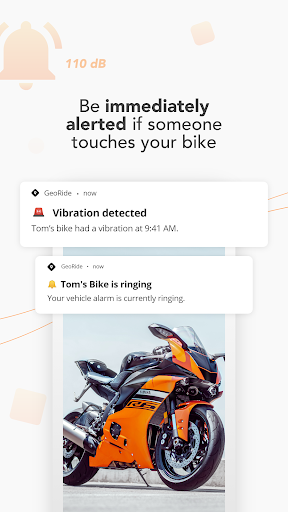
Get instant alerts if someone tampers with your bike. 🚨 Activate a loud siren remotely or set it to respond to vibrations. 🔊 It automatically disables when you're nearby with your proximity tag for hassle-free security. 🛡️ Relax knowing your bike is monitored around the clock.
Crash Detector
Your safety net while riding. 🆘 Detects crashes and automatically calls emergency services if you're unresponsive. 🚑 Available in most European countries with multi-network support. 📶 Be assured that help is on its way if the unexpected happens.


