Editor's Review
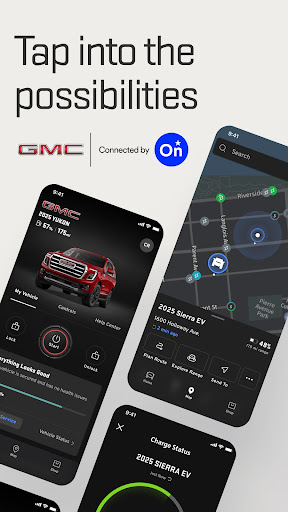
Envision a chilly morning, starting your car while still snug in bed, or cooling it off on a scorching day before you've even left the office. ☀️ The myGMC app, powered by OnStar, converts your smartphone into your vehicle's command center! 📱 With over 5 million downloads and a 4.5-star rating, users enjoy the convenience it offers.
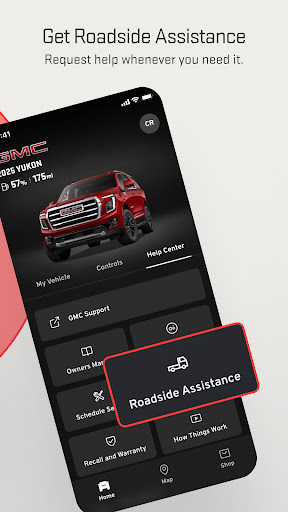
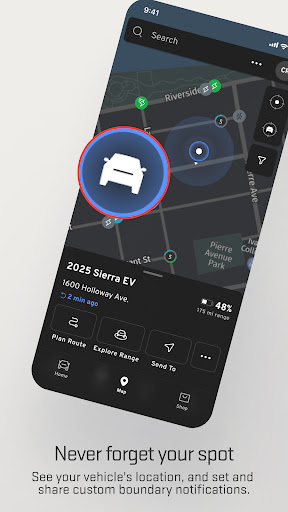
🌟 Quickly find your car in a crowded lot with a simple tap and get walking directions right to it. 🗺️ Monitor your vehicle's status, from fuel level to tire pressure, and even schedule service or request roadside assistance without picking up the phone. 🛠️ Experience a smarter, more connected way of owning your vehicle. ✨
Features
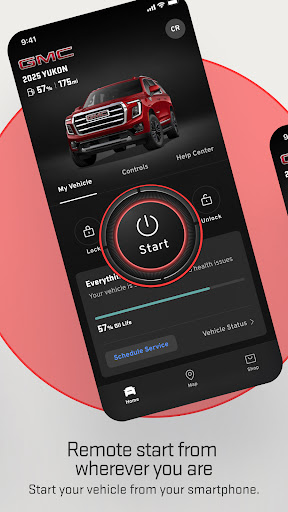
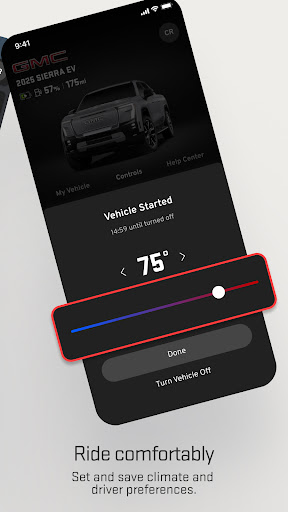
- Remote Control Start, stop, and adjust your car's temperature remotely from your phone. Great for extreme weather or spontaneous trips, perfect for busy workers and anyone seeking immediate comfort. 💨❄️ It's like having a personal assistant in your pocket, ensuring your car is always ready for you. 🚗
- Vehicle Locator No more losing your car in massive parking lots or unknown streets. 📍 This feature provides walking directions, reducing time and stress, particularly for families or people who get easily sidetracked. Feel at ease knowing your car is always simple to find. 🗺️
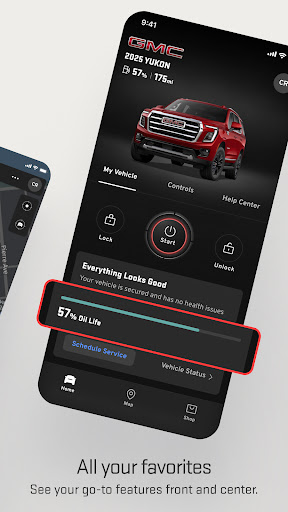
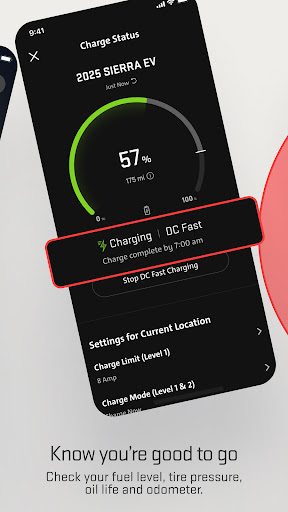
- Vehicle Health View crucial data such as fuel level, tire pressure, and oil life instantly. ⛽️ Receive alerts about potential problems and schedule maintenance in advance. This is essential for every driver, especially long-haul travelers and fleet managers, enhancing safety and preventing costly repairs. 🔧
Pros
- The intuitive interface makes it easy to use advanced remote functions, even for beginners. Remotely starting your car on a cold morning from bed is a major boost in comfort and convenience. 🚀
- Real-time vehicle diagnostics provide invaluable peace of mind. Checking your fuel and tire pressure directly helps prevent unexpected breakdowns and makes journeys safer. 🛣️
- Seamless integration with Roadside Assistance and maintenance scheduling simplifies car ownership. Resolving issues promptly and efficiently saves time and reduces anxiety about vehicle troubles. 👍