


Why this app stands out
Ever misplaced your phone or tablet? 😥 That all-too-familiar worry is real, but imagine being able to see its exact location or make it ring remotely. This app turns that anxiety into peace of mind with just a few taps.
Picture leaving your device at a café ☕ or a bustling park 🌳 – this tool becomes your digital safety net. Countless users have relied on it to recover their precious devices, proving its trustworthiness when it matters. Download now and safeguard your Android devices effortlessly! ✅
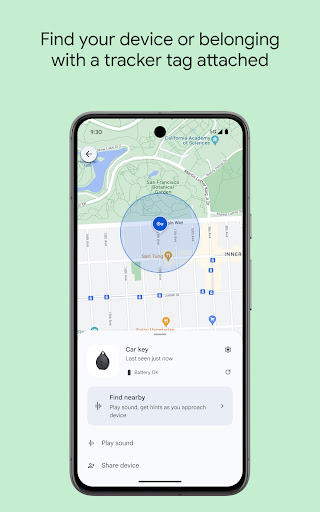
Locate Devices
Locate your Android devices on a map, showing the last known online position when live tracking isn't available. Perfect for those who frequently misplace their gadgets at home or on the go. 📍 See all your connected devices at once so you're never truly lost. 🗺️
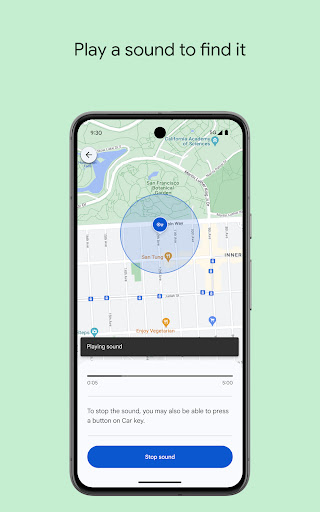
Play Sound
Trigger a loud ring on your device, even when it's set to silent. Great for finding a phone wedged between couch cushions or in another room. 🔊 This feature helps you locate your device quickly, even if it's buried under a pile of laundry. 🧺 Never lose your device again! ✨ Secure & Erase Remotely lock your device and display a custom message with contact info, or erase everything for maximum security. Essential if your device falls into the wrong hands. 🔒 Protect your personal data with this robust remote management feature. 🛡️ Keep your information safe and worry-free. 😌
Unified People
Tab The latest update adds real-time location sharing within the app, making it easy to coordinate meetups with friends and monitor family members' safety alongside your own devices.


