

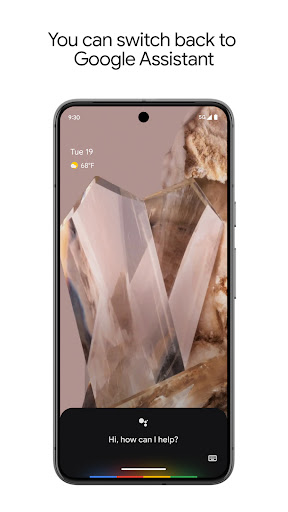
Why this app stands out
Picture this: you're carrying groceries and need to reply to a text, or you're in the dark searching for your phone to switch on the lights. Google Assistant is your hands-free hero for these daily hassles and beyond! ✨ Over half a billion users rely on it to simplify life, making chores effortless and freeing your hands for the essentials.
Whether it's setting reminders so you never miss an appointment or commanding your whole smart home with one phrase, it's built to ease your day. Ready to try hands-free living? Give it a shot and see the moments you'll reclaim!
Voice Control
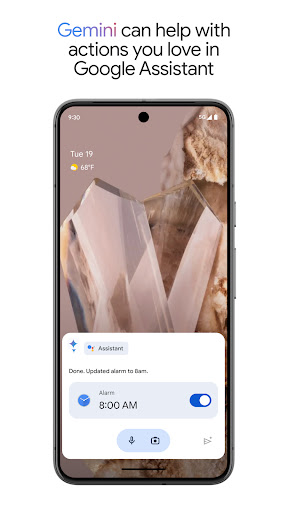
Easily control your phone—launch apps, tweak settings, or activate your flashlight—using straightforward voice commands. Ideal when your hands are occupied or you need fast access to device functions. 📱 This is great for anyone seeking a more natural phone interaction, particularly multitaskers and users with limited mobility. It aims to make your everyday tasks smoother and more efficient, saving you valuable time.
Stay Connected
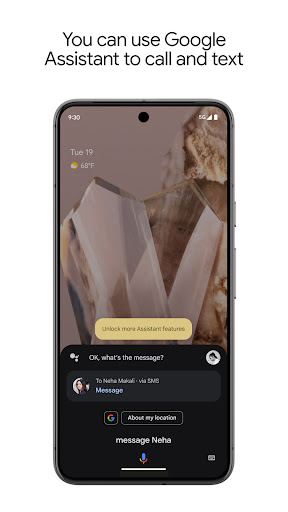
Place calls, send messages, and handle emails without touching your phone. A real time-saver on your commute or while multitasking. 📞 Perfect for busy workers, parents on the run, and anyone needing to stay connected without breaking stride. Enjoy smooth communication that keeps you in the loop without skipping a thing, boosting productivity and ease.
Task Management
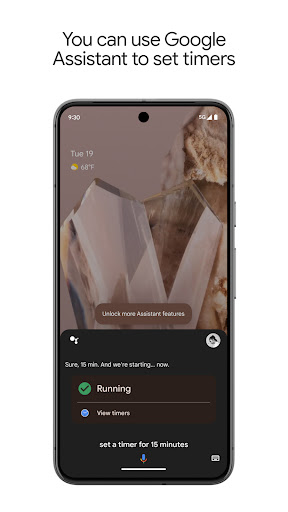
Use voice-triggered reminders, to-do lists, and fast answers to your urgent questions so you never miss a thing. Instantly get directions if you're lost. 🗺️ This is a breakthrough for students, professionals, and anyone handling many tasks. It keeps you organized and informed, making daily scheduling and navigation a breeze.


