
Why this app stands out
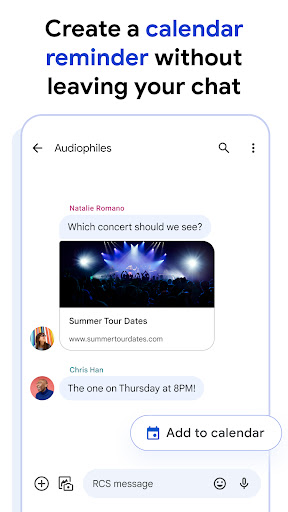
Tired of missing important information or feeling out of touch with your conversations? 😥 Google Messages transforms your daily chats into seamless interactions, whether you're arranging plans with friends or following up with businesses. Imagine responding with a single tap or receiving warnings about suspicious links – it's all about making your messaging smarter and more secure.
✨ With over 1 billion people already benefiting from improved messaging, you can join them for richer conversations and complete peace of mind. 🕊️ Discover a more connected world, right from your pocket! 📱
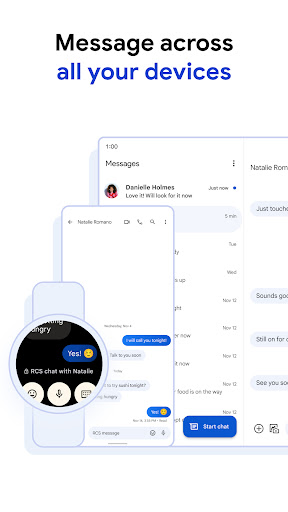
RCS Chat
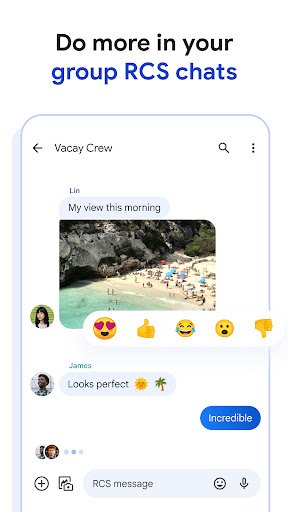
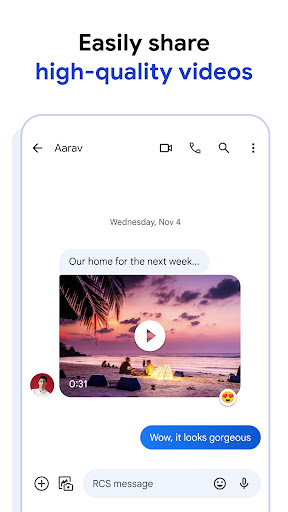
Experience modern messaging with read confirmations, typing notifications, and high-quality media sharing. Ideal for those seeking more engaging conversations beyond plain SMS. It's the improvement your chats need! 🚀
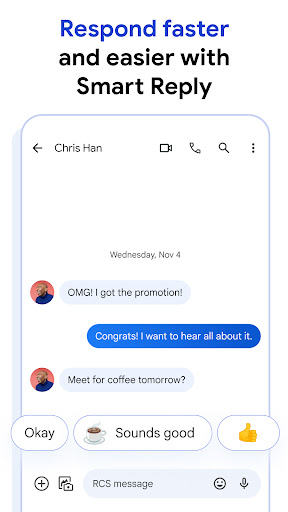
Smart Reply
Get fast, contextually relevant response suggestions to reply more quickly. Perfect for busy people who appreciate efficiency and want to maintain smooth conversations. Save time with each tap! 👍
Security
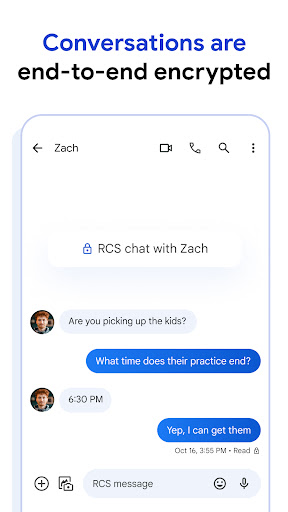
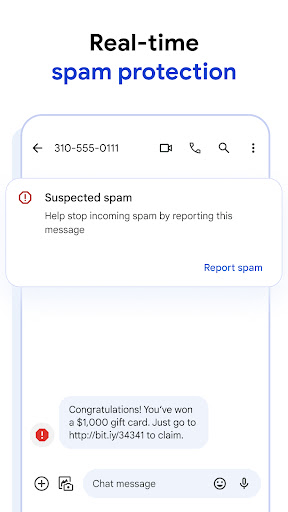
Enjoy end-to-end encryption and spam filtering for safe, private conversations. Crucial for users who value security and want to stop unwanted messages. Communicate with assurance! 🔒


