


Why this app stands out
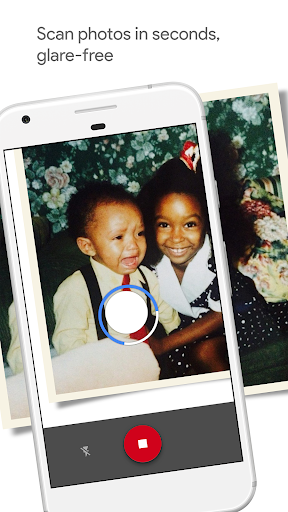
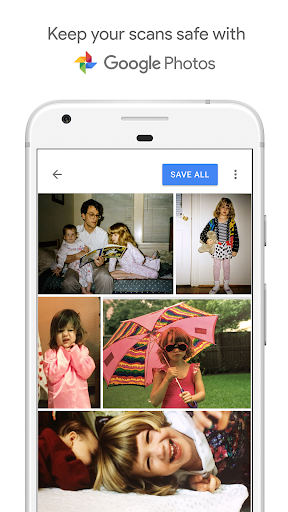
Recall those shoeboxes brimming with old photos? 📦 Picture turning those treasured memories into crisp digital copies with just your phone! PhotoScan makes it easy to capture those faded snapshots, safeguarding your family history for future generations.
✨ No more bothersome glare or awkward angles – just beautiful, improved scans in seconds. ⏱️ Become part of millions rediscovering their past and organizing their memories simply. Download PhotoScan now and begin your digital journey! 🚀
Glare-Free Scans
Are reflections spoiling your beloved photos? 🤔 PhotoScan walks you through an easy capture method to remove glare, guaranteeing your digital copies look exactly like the original, only improved! ✨ Great for anyone looking to save physical photos without the trouble of conventional scanners. 🖼️
Automatic Cropping
Wave farewell to tiresome manual cropping! 👋 PhotoScan's smart edge detection automatically finds and trims your photos, giving perfectly formed, rectangular scans each time. 📐 Perfect for busy people wanting fast, professional-looking outcomes without additional editing work. ✅
Smart Rotation
No need to stress about scan direction! 🔄 PhotoScan automatically aligns and rotates your photos, making sure they are always the correct way up. ⬆️ This function is a real boon for those digitizing large sets, sparing you precious time and annoyance. ⏱️


