
Why this app stands out
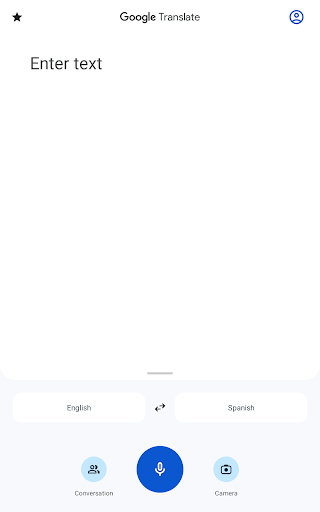
Having trouble with languages during your travels? 🌍 Finding your way in an unfamiliar place or connecting with people from a different background can be tough, but imagine having a universal translator right in your pocket. Google Translate turns those tricky moments into seamless exchanges, helping over 500 million users each month to understand and be heard.
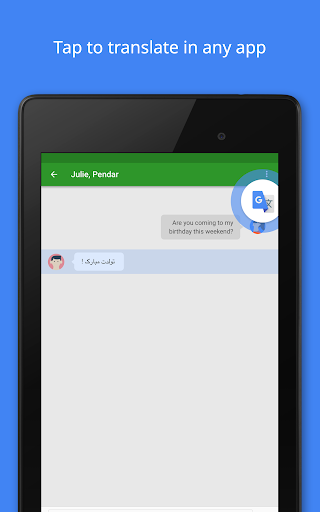
With its powerful features, you can quickly surmount language barriers, whether you're reading a menu, asking for help, or having a real-time chat. Millions rely on it every day for everything from quick translations to deep conversations, making it a must-have for global communication. Ready to explore the world with confidence?
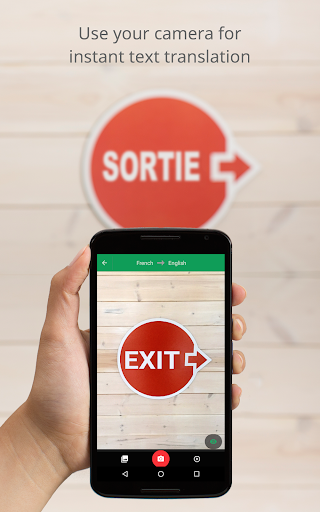
Instant Camera
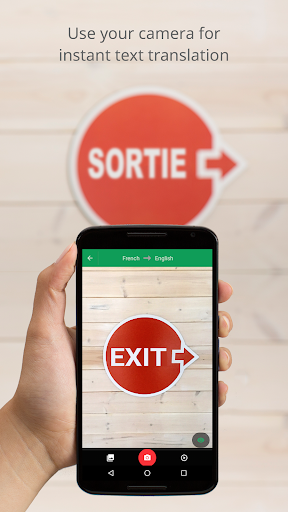
Translation Point your camera at signs, menus, or any text and see it instantly translated on your screen. Perfect for travelers who require quick understanding of their surroundings on the go, making navigation and exploration easier. 📸👍
Offline Translation
Traveling to a place with spotty internet? Download language packs beforehand and translate offline. This ensures you can always communicate, even in remote areas, giving you peace of mind and reliable understanding. ✈️📶
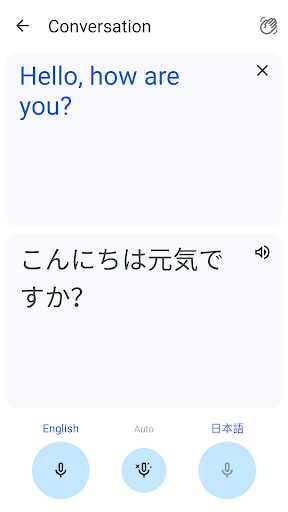
Conversation Mode
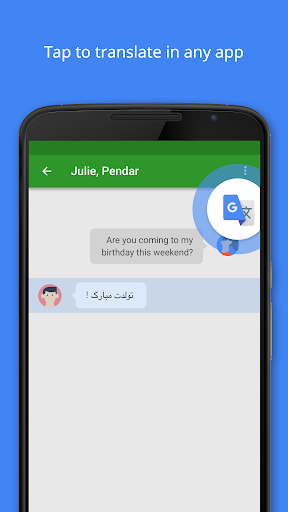
Engage in natural, bilingual conversations with instant, real-time translations. Great for tourists, students, or anyone interacting with people who speak different languages, fostering genuine connections and smoother interactions. 🗣️🤝


