
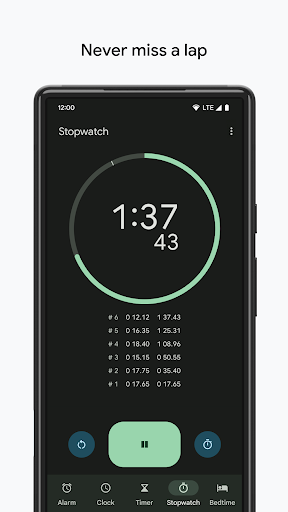
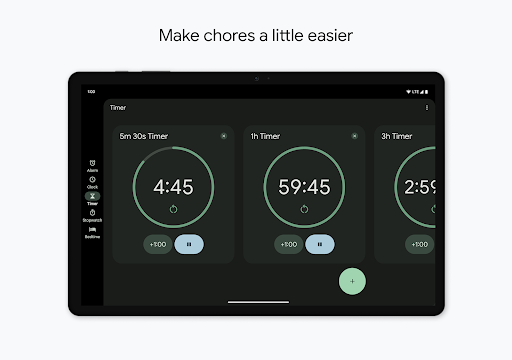
Why this app stands out
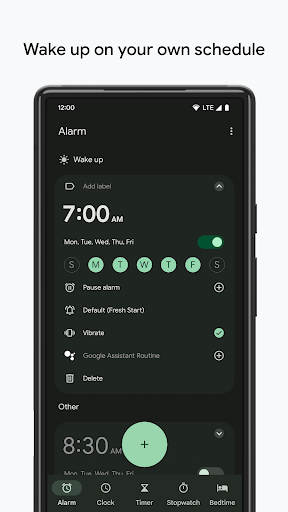
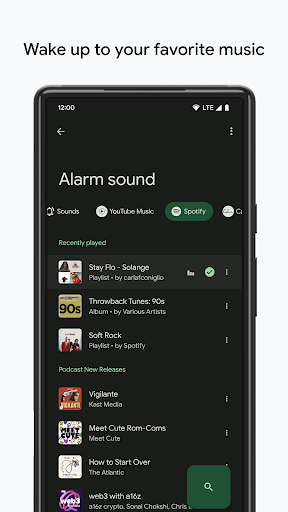
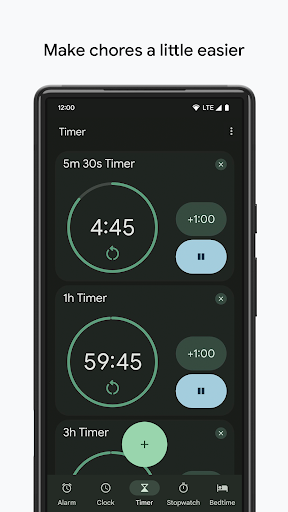
You'll never miss an important moment or a peaceful night's sleep again! ⏰ Imagine waking up softly to a personalized alarm, easily monitoring a critical meeting across time zones, or drifting off to soothing sounds. This app transforms everyday time-management challenges into seamless experiences.
With over 10 million downloads and a stellar 4.8 rating, users appreciate its intuitive design and robust features that simplify your day. Ready to take charge of your time? ✨ Give it a try and see the difference!
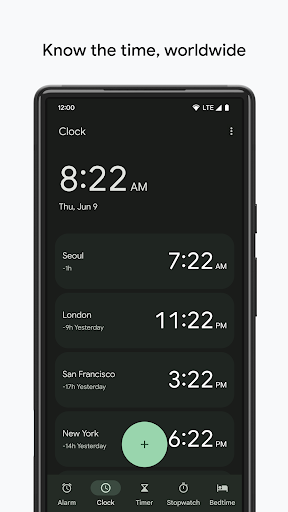
World Clock
Easily check the time in multiple cities around the world. Perfect for frequent travelers, international business, or staying connected with family abroad. 🌍 This feature bridges distances, making global coordination simple and preventing missed calls or meetings. ✈️
Sleep
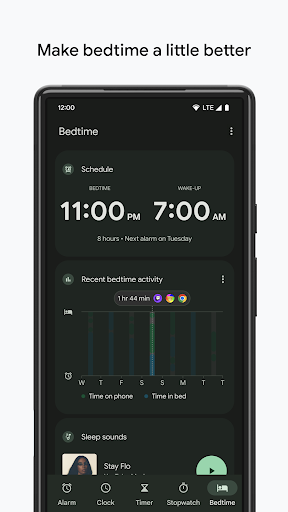
Schedule Establish healthy sleep habits with guided bedtime routines, relaxing sleep sounds, and a preview of your next day. 🌙 Designed for anyone seeking better rest and a smoother morning, enhancing overall well-being. 😴
Swipe to Dismiss
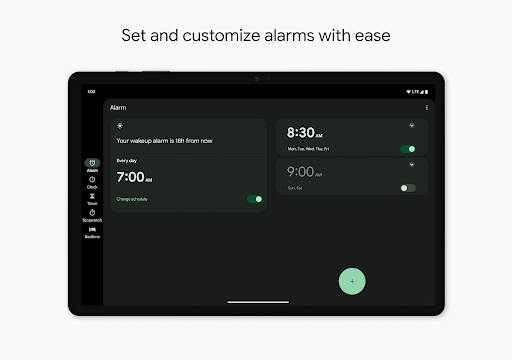
Gestures Now you can choose 'Tap' or 'Swipe' to snooze and dismiss alarms or timers. This adds tactile feedback and intentionality, reducing accidental cancellations during sleepy moments.


