

Why this app stands out
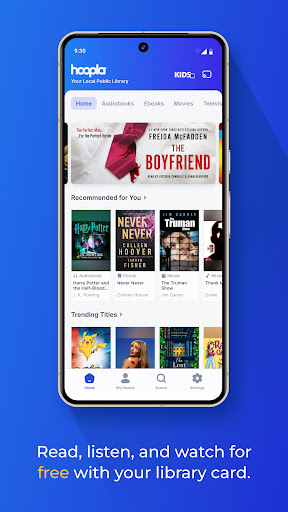
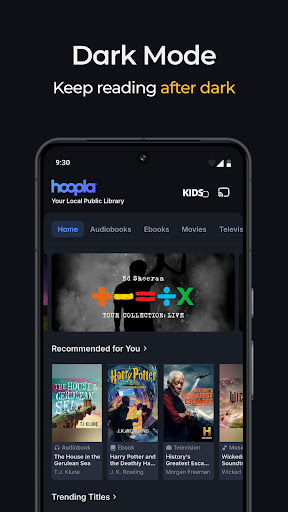
Tired of endless scrolling and pricey subscriptions? Imagine a library of stories, music, and movies right in your pocket, at zero cost! 🌍 Hoopla Digital makes it happen, connecting you to your local library's extensive digital collection.
With over 1.5 million titles, from gripping audiobooks to the latest releases, you can read, listen, and watch endlessly, wherever you are. 🚀 Join millions who already enjoy ad-free, cost-free entertainment. Download Hoopla now and unlock a universe of possibilities!
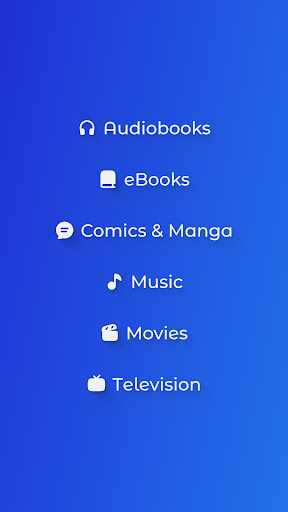
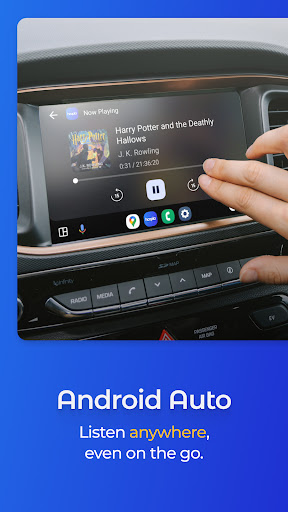
Audiobooks
Dive into a vast assortment of eBooks and
Audiobooks across every genre
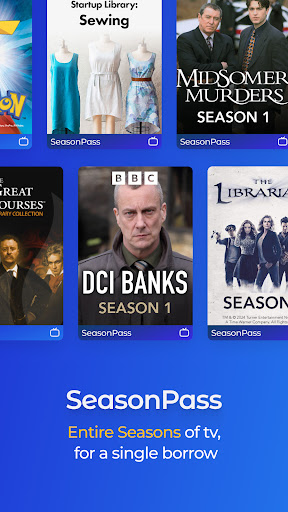
Perfect for commutes or quiet evenings, this feature offers endless stories for book lovers and podcast enthusiasts. 📚🎧 Access millions of titles for free using your library card, turning your downtime into rewarding moments. Movies & Music Stream popular movies, binge-worthy TV series, and explore a huge music library. Whether you're planning a movie night or crafting the perfect playlist,
Hoopla has something for everyone
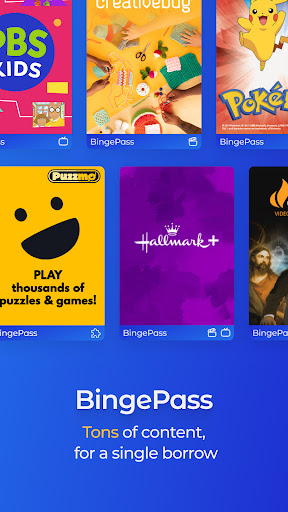
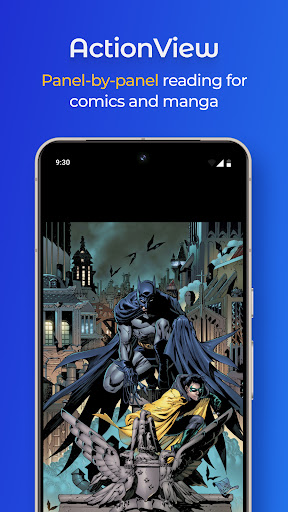
Enjoy unlimited entertainment with no ads or late fees, making it your go-to for enjoyment. Comics & BingePass Jump into thrilling comic and manga worlds with our ActionView technology. Also, unlock full collections via BingePass for temporary unlimited access to curated content! 💥 Grab a BingePass and discover new favorites at no extra cost, providing great value for curious minds.


