
Why this app stands out
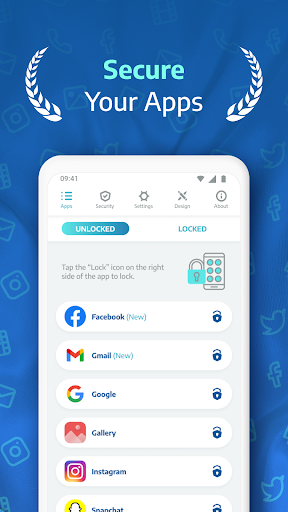
Concerned about someone peeking at your messages or photos? 📱 AppLock Pro serves as your digital protector, safeguarding your most sensitive apps with strong security. Imagine being able to leave your phone without worry, knowing your private chats and precious memories are protected.
With more than 10 million downloads, users rely on AppLock Pro to guard their digital world. This app provides peace of mind, making sure your personal info remains private. Get it now and enjoy top-notch security! ✨🔒
App Lock
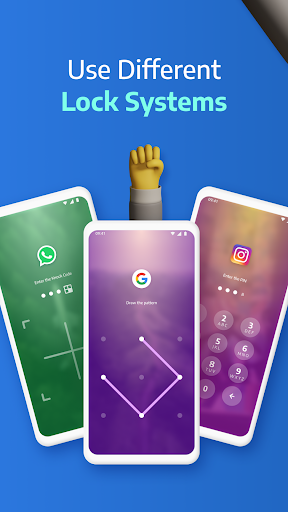
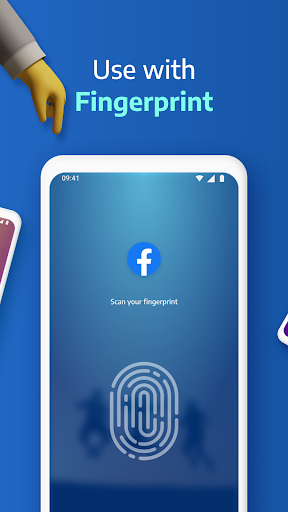
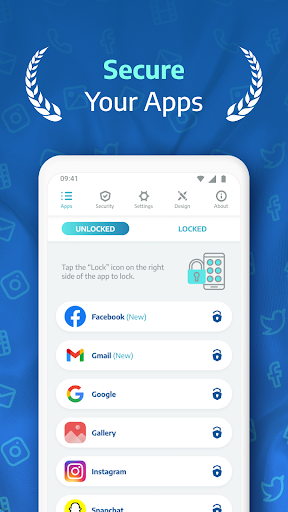
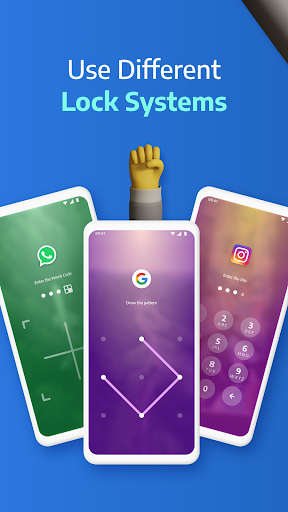
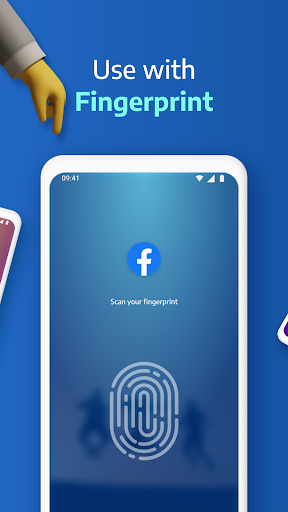
Protect your confidential apps such as social media or banking with a password, fingerprint, pattern, or knock code. Ideal for anyone looking to block unauthorized access to sensitive info. Maintain a secure and private digital life. 🛡️
Spy Camera
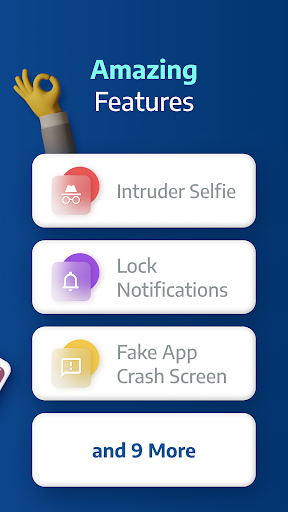
Detect intruders in action! 📸 If someone attempts to open your locked apps without authorization, this feature silently takes a photo with the front camera. A great way to find out who's snooping and enhance your security. 🕵️
Fake Error
Introduce an extra level of trickery to discourage nosy people. 🎭 When an app is accessed without permission, a realistic fake error appears, making it seem like the app is broken rather than locked. A smart method to safeguard your privacy. 😉


