




Why this app stands out
Tired of rain showers ruining your plans? 🌧️ Imagine always knowing whether to take an umbrella or head to the coast, thanks to ultra-accurate, real-time weather data. iLMeteo converts weather uncertainty into your advantage, providing forecasts precise enough to plan your week confidently.
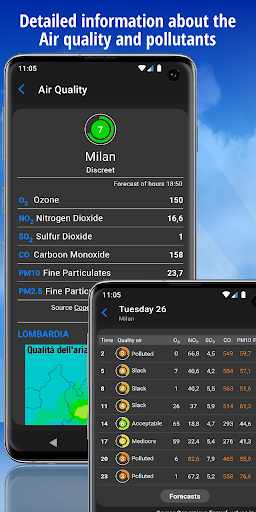
Over 10 million users trust us for comprehensive information, from sea conditions for surfers 🏄 to air quality alerts for city dwellers 🏙️. Download the app today and take control of your day, no matter the weather! ✅ Radar &
Alerts
Check upcoming weather patterns with our interactive radar and receive important
Civil Protection alerts
Perfect for users who want to anticipate sudden changes, ensuring safety and preparedness. ⚡️ Stay informed before going outside!
Compare Forecasts
Boost your confidence by comparing iLMeteo's predictions with top global weather models. Great for those needing highest accuracy, like travelers ✈️ or event planners 📅, ensuring your plans are based on the most reliable data. Nowcasting & Details Plan your day with hourly precision using our Nowcasting feature, metheograms, and live webcams. Essential for outdoor enthusiasts 🚵♀️, farmers 👨🌾, and daily commuters 🚶, it minimizes unexpected weather changes.


