



Why this app stands out
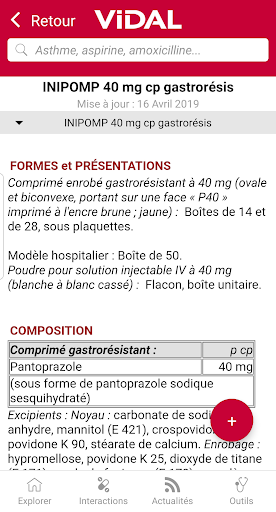
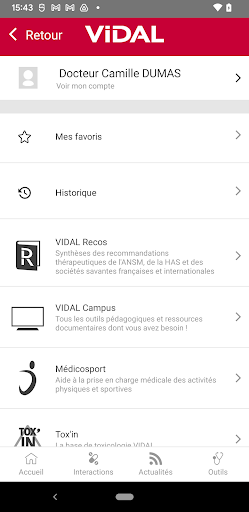
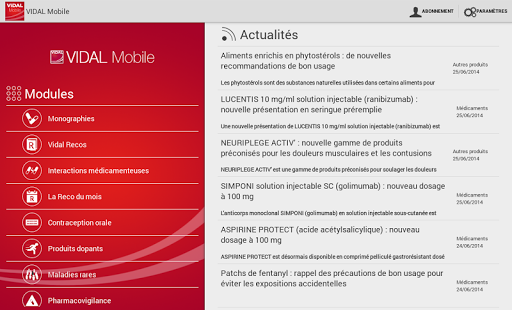
Ever required crucial medication details instantly, whether at a patient's side or traveling? 🤔 VIDAL Mobile puts a comprehensive drug database in your pocket, working flawlessly offline! 📴 Relied on by medical professionals since 2014, it boasts over 11,000 drug monographs and 4,000 parapharmacy products, ensuring accurate information is always available.
✅ Featuring tools like drug interaction checks and validated treatment guidelines, it's designed to support your daily practice and enhance patient care. ✨ Get it now and experience the convenience! 🚀
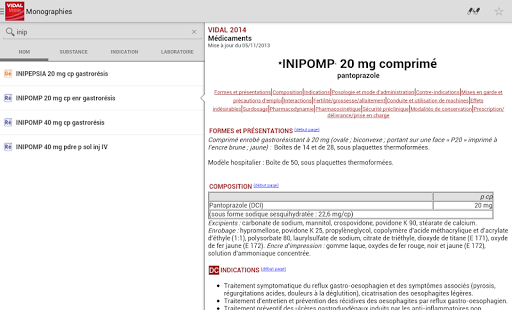
Drug Monographs
Access detailed information on over 11,000 medications and 4,000 parapharmacy items, perfect for quick reference during patient consultations or prescription reviews. This essential feature provides precise, up-to-date data easily, enabling healthcare professionals to make informed decisions. 💊
Drug Interactions
Easily check for potential drug interactions in a simulated prescription, identifying risks by severity. This free tool is vital for preventing adverse events and ensuring patient safety by highlighting critical combinations that require attention. ⚠️
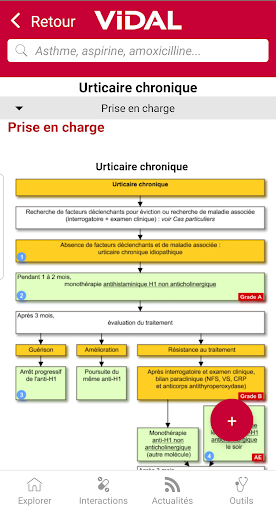
Therapeutic Strategies
Explore 185 expert-validated treatment plans and 260 decision trees, reviewed by clinicians for practical use. This resource supports continuous professional development and evidence-based medicine, offering clear guidance for complex clinical scenarios. 🧑⚕️


