
Why this app stands out
Does your phone keep nagging you about low storage? 😩 Envision capturing every memory without the dreaded 'storage is full' notification! 📸 Super Clean-Master turns this everyday hassle into seamless device performance.
Users have regained gigabytes of space, making their phones feel brand new. ✨ Imagine installing your favorite games or updating important apps without hesitation. 🚀 This robust tool not only clears junk but also protects your device from threats, ensuring peace of mind.
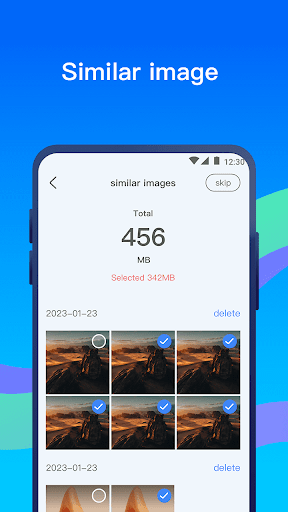
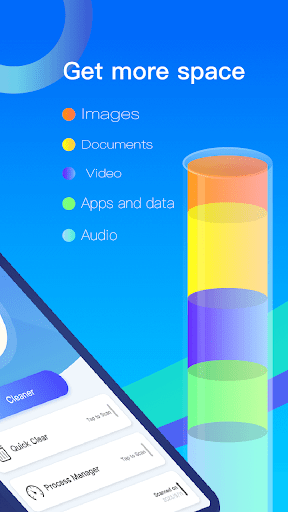
Storage Cleanup
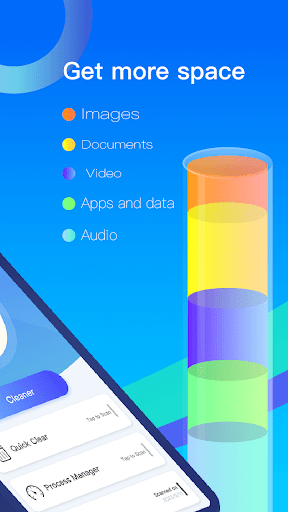
Tired of removing apps to reclaim space? 🤔 This function automatically finds and deletes junk files, old screenshots, and leftover data, freeing up valuable storage. Perfect for anyone who loves shooting photos or downloading apps but hates managing storage. 🤳 Get more space for what really counts! ✅
Antivirus Protection
Worried about online threats? 🦠 Our live scanner detects and eliminates viruses, malware, and other harmful software, safeguarding your personal data. Crucial for all users who browse the web or download files, ensuring a protected mobile environment. 🛡️ Stay safe without effort! 💯
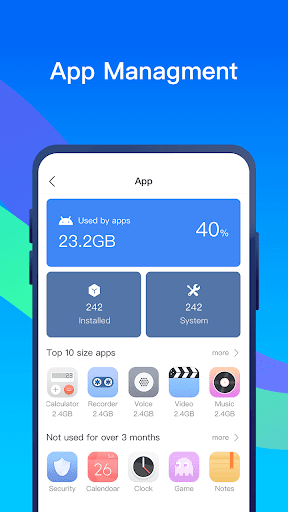
App Analysis
Is your phone sluggish? 🐢 Identify which apps consume resources and spot unused ones. Ideal for power users and those looking to boost device speed and battery life. 🔋 Make your phone operate smoother than before! 💨


