


Why this app stands out
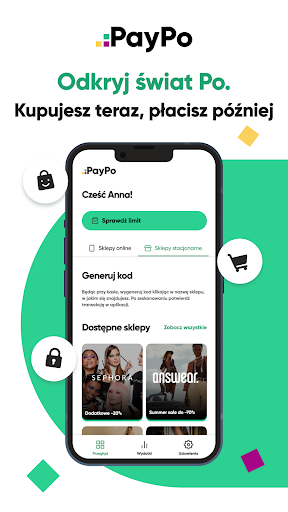
Tired of impulse buys ruining your finances? 😩 Imagine buying from your preferred brands and only paying after you've received and liked the items! ✨ PayPo allows you to purchase now and defer payment for up to 30 days, with zero cost.
Alternatively, split your payment into 3 interest-free parts using the 'Split by 3' feature. It's akin to having a personal assistant who understands your budget! 💰 Over 25,000 retailers accept PayPo, so you can shop smartly and freely.
Pay Later
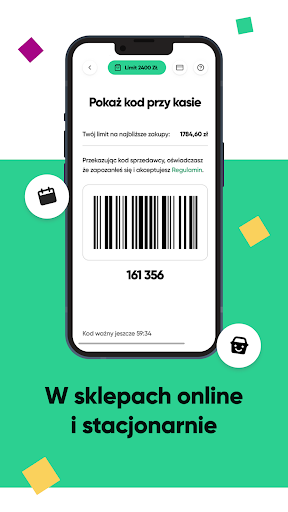
Purchase your preferred products online or in physical stores and settle the payment up to 30 days afterward, free of interest! 🛍️ Perfect for those who wish to examine items before finalizing the payment, offering financial flexibility. Feel confident with every purchase. 👍
Effortless Checkout
Approve your online purchases with a single tap! 👆 Forget about long forms, banking credentials, or text codes. This option is a boon for time-pressed shoppers who prioritize convenience and speed. Acquire your wanted goods quicker and more seamlessly than ever. 🚀
Transaction Tracking
Effortlessly monitor your spending cap, payment deadlines, and transaction records in a single location. 📊 This user-friendly tool keeps you organized and in charge of your finances. Avoid missing any payments and always be aware of your expenditures. 💯


