orbitapk
Open menu
Phenix, anti-waste groceries icon

Safe APK Profile

Phenix, anti-waste groceries

Phenix SAS · Food & Drink

4.2
Rating
1M+
Downloads
safe
Badge
Download latest version

Why this app stands out

Tired of seeing edible food tossed while your budget suffers? 😥 Imagine grabbing delicious leftover groceries from nearby stores at a bargain! 🍎 Phenix makes this possible, connecting you with unsold items to fight waste and save money.

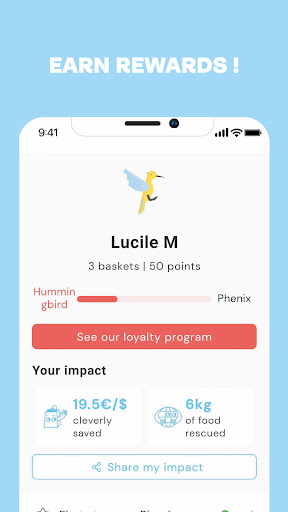
Join a community that rescues over

50 tons of food daily

Discover amazing deals and shop guilt-free. Download now and be part of the movement! ✨

Deals

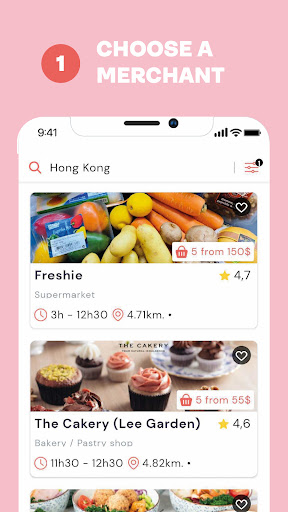
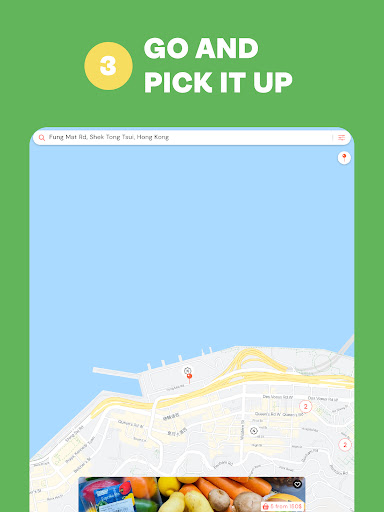
Easily locate grocery stores and shops near you offering surprise anti-waste baskets filled with daily leftover food. Ideal for budget-conscious shoppers and anyone wanting to reduce waste effortlessly. 🛒 Get alerts for your favorite basket types, like 'ready-to-eat' or 'cook at home'. 🔔

Choose Your

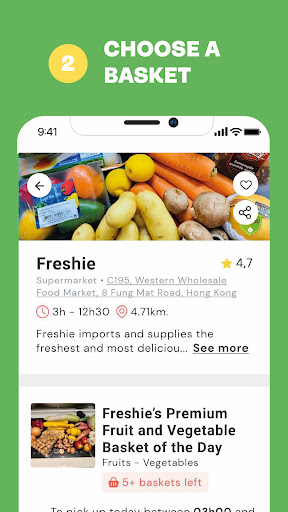
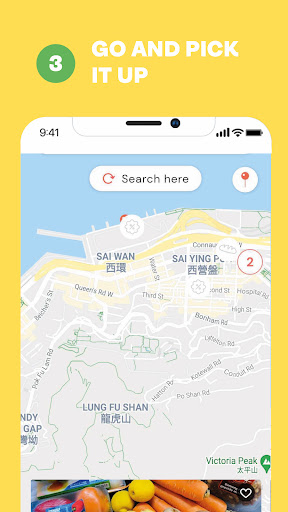
Basket Select from various anti-waste baskets, such as 'ready-to-eat' and 'cook at home' options, so you know exactly what you'll get and it suits your needs. 🍲 Great for busy individuals and families looking for convenient, affordable meal choices while making a positive impact. 🌟 Save & Enjoy Pick up your selected basket from the store before closing time and enjoy high-quality items at an amazing price. 💰 A simple, rewarding way to benefit the planet and treat yourself to a delightful surprise. 🎉

Orbit safety scan

Download confidence at a glance

Source profile checked

Package identity, developer name, category, and public listing signals are grouped before the download decision.

Install intent clarified

Users can compare screenshots, rating, downloads, and feature notes without leaving the detail page.

No registration path

The CTA is designed around a direct, low-friction APK lookup flow for repeat visitors.

Independent catalog

orbitapk separates editorial app information from official ownership claims and brand assets.

What to review before installing

1

Match the app identity

Check the name, developer, and category against what you expected to install.

2

Scan the product fit

Use screenshots and feature notes to decide whether the app solves your current workflow.

3

Compare user signals

Rating and download volume help separate established tools from niche or newer releases.

Related picks

More Food & Drink apps to compare

Keep users moving with nearby alternatives instead of ending the page after the first content block.

More Apps