


Why this app stands out
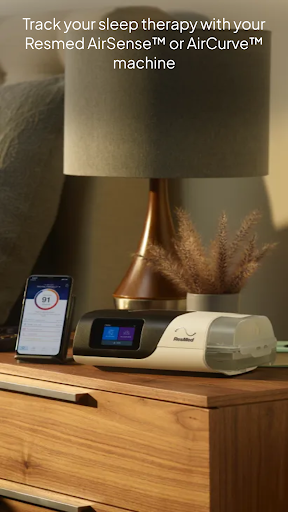
Tired of restless nights and waking up exhausted? 😴 Imagine waking up each morning feeling revitalized and energetic! ✨ myAir™ makes that possible for
Resmed AirSense™ and
AirCurve™ users by transforming your sleep therapy experience. Over 90% of users report enhanced comfort and consistency with therapy, and this app acts as your personal sleep coach right in your pocket. 📱 Prepare to discover your best sleep yet and start your journey to a healthier, happier life. Let's turn every night into a great night's sleep! 🌙
Guided Setup
Setting up your Resmed device is simple with interactive guides and a Test Drive feature that helps you acclimate to therapy pressure levels. Ideal for beginners or those needing a quick refresher on device setup. 🛠️ It helps you start therapy with confidence and comfort, easing your transition. Access videos and guides customized for your specific machine and mask. 🎬
Personalized Support
Manage your sleep therapy with confidence! myAir serves as your personal sleep coach, providing tailored tips, videos, and proactive check-ins to address issues like mask seal problems. 💡 Receive motivational notifications and share data with your healthcare provider for coordinated care. 🤝 This feature is designed to enhance your comfort and success during your therapy journey. 🚀


