




Why this app stands out
Tired of fumbling for your wallet at the checkout or wrestling with awkward online payment systems? 😩 Imagine a reality where your phone handles everything—groceries, online shopping, or sharing expenses with friends! 🤩
The "Mobiles
Bezahlen" app makes this possible, offering a secure and lightning-fast way to manage your money. With over 1 million downloads and users praising its ease, why stick with plastic? Welcome the future of payments now! ✨ Give it a try and enjoy hassle-free transactions! 🚀 Tap & Pay Make effortless payments in stores or online with just a tap of your smartphone. Ideal for busy shoppers and online fans who prioritize speed and convenience. 🏃♀️💨 Enjoy the liberty of leaving your physical wallet behind, turning every purchase into a simple task. 💳✨
Card Control
Take charge of your card's security with customizable usage settings. Perfect for users seeking control and confidence in their financial activities. 🛡️ Enable or disable payments, ATM withdrawals, and international use with just a few taps. 🌍🔒
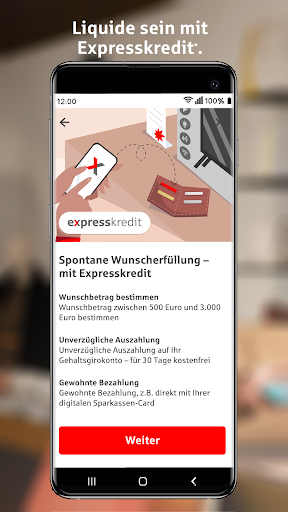
Express Loan
Obtain quick short-term funds for spontaneous needs or emergencies. 🥳 A lifesaver for those unexpected moments when you need cash fast, directly from your phone. Receive money in minutes and handle repayment with flexibility. 💸👍


