Editor's Review
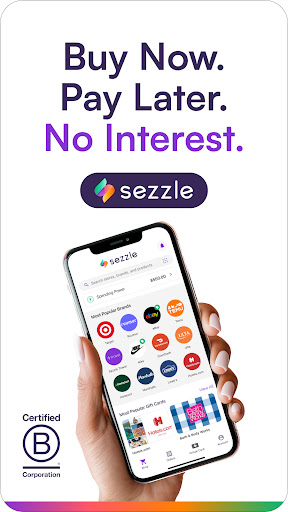
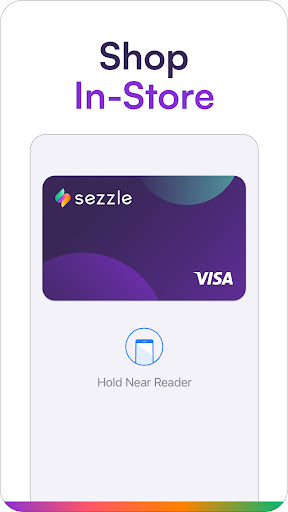
Tired of impulse buys draining your wallet? 😥 Imagine getting that must-have item now and splitting the cost into four easy, zero-interest payments. ✨ Sezzle makes it happen with quick approvals and no credit checks for a hassle-free shopping experience.
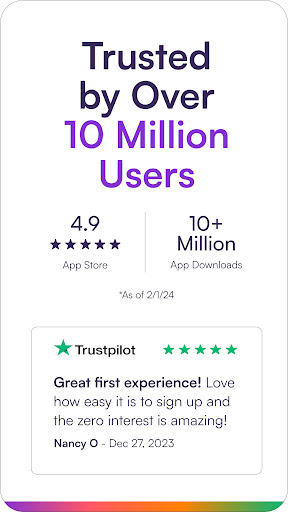
Over 17 million shoppers have enjoyed Sezzle's flexibility, and many praise how it helps build credit. Start shopping smarter today and turn those 'wish list' items into real things without the financial anxiety! 🛍️💸 Shop Now,
Features
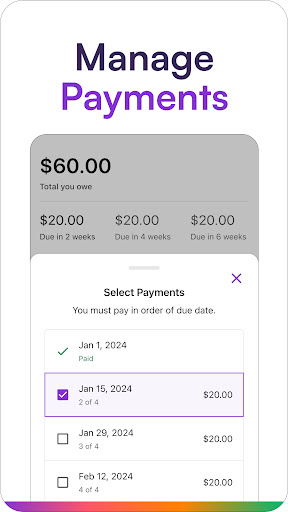
- Pay Later Break your purchases into four interest-free installments, making budgeting simpler. Whether for everyday essentials or occasional treats, Sezzle offers fast approval without hard credit checks, making it accessible for all credit histories. Get items now, pay over time effortlessly! ✅
- Build Credit Boost your credit score for free by making timely payments. Sezzle reports your payment history to major credit bureaus, so you can improve your finances while you shop. Great for students or anyone looking to build or rebuild credit responsibly. 📈
- Payment Flexibility Manage payments easily with reminders and the option to adjust due dates. Sezzle helps you stay on budget with flexibility for unexpected events. Ideal for busy individuals who want control over their money and payment schedules. 📅
Pros
- Sezzle's 'Pay in 4' is straightforward, letting you enjoy purchases immediately without the need to pay upfront. The absence of hard credit checks makes it widely accessible, promoting financial inclusion. The unique benefit of building credit simply by using the service responsibly stands out. It empowers users to improve their financial health while shopping for essentials or treats. Customer support is responsive and helpful, resolving issues promptly. The app's intuitive interface makes tracking payments and managing orders easy, offering a smooth and stress-free experience.