

Why this app stands out
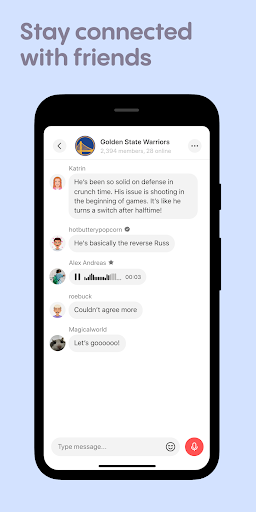
Tired of endless typing and texts that lose their meaning? Typing can be such a chore, right? Stereo changes the way you connect by bringing back the warmth and nuance of voice!
✨ Imagine sharing a laugh, a sigh, or an excited thought with just one tap – that's
Stereo for you
Join millions who are finding deeper connections, sharing real-time moments, and building genuine friendships through the power of voice. 🗣️ Ready to ditch the keyboard and truly speak your mind? Get Stereo and start voicing today! 🚀
Voice Notes
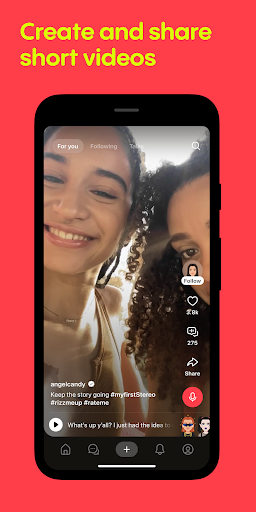
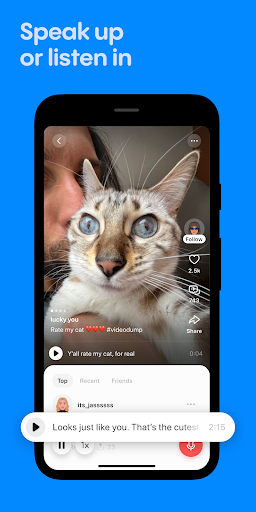
Leave the keyboard behind and chat naturally with voice notes. Perfect for quick thoughts or longer stories, it animates conversations and makes them more personal. Form real connections with friends and new people. 🎙️ Great for talkers over typers, adding interactivity to social interactions. ✨
Live Chats
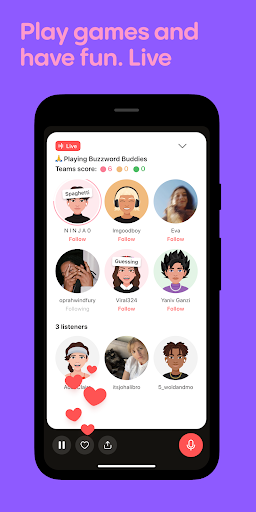
Jump into live discussions and overcome awkwardness with engaging chats or games. Ideal for spontaneous meetups and finding people with shared interests. 🤝 Connect instantly for lively social experiences. Perfect for extroverts and those looking to expand their circle fast. 🥳 Games & Secrets Have fun with live games like Mafia or share anonymous 'Secrets' for a thrilling twist. Adds excitement and a new way to connect beyond typical messaging. 😄 Discover hidden talents and bond over playful competitions. Perfect for users seeking fresh ways to engage and have fun online. 🎲


