Editor's Review
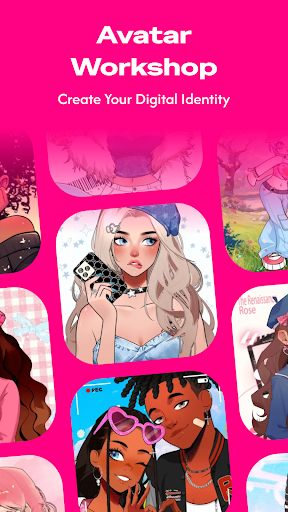
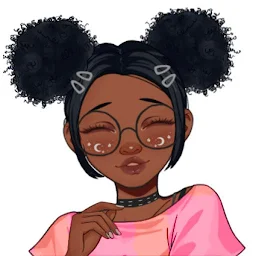
Tired of boring profile pics that don't show who you really are? 🤔 Imagine creating a digital version of yourself that's totally unique, sure to impress your friends and followers! ✨ NeKu makes that dream come true, allowing you to craft a hand-drawn cartoon avatar that truly expresses 'YOU!' 🤩 With over 3000 dress-up items, you can change from a style lover to a brave knight in an instant!
🛡️ Over 1 million unique avatars have been created, highlighting the app's incredible creative potential. 🚀 Get NeKu now and showcase your personality like never before! 🎉
Features
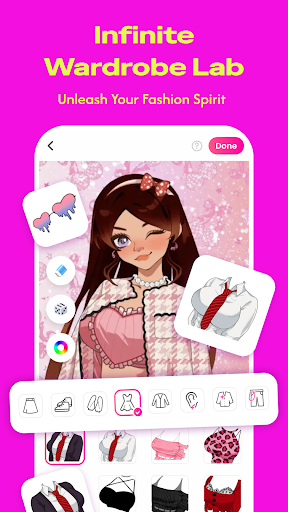
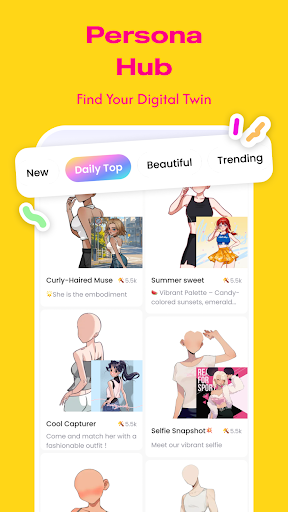
- Avatar Customization Design your unique character with a vast selection of over 3000 clothing pieces, hairstyles, and facial details. Perfect for anyone wanting a personalized virtual identity! 🎨 It's super enjoyable and easy to use, boosting your imagination! ✨
- Style Variety Experiment with infinite combinations of outfits, accessories, eyes, and backgrounds to match any mood or style. Great for those who love mixing different fashions! 👗 Create a new appearance daily! 💖
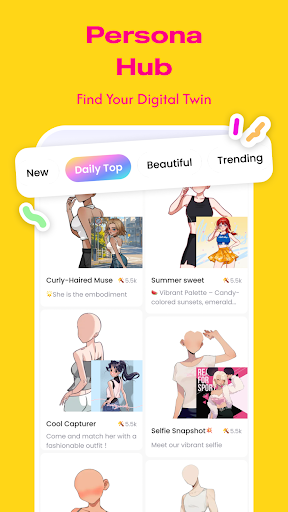
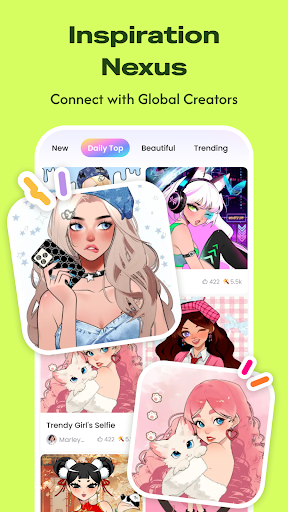
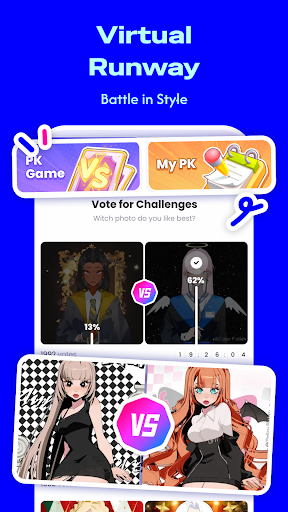
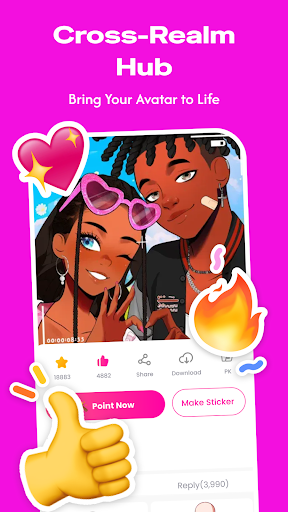
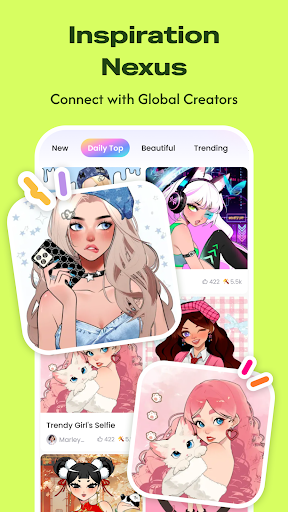
- Social Connection Become part of a vibrant community of creators, share your art, and connect with new friends who appreciate creative expression. Fantastic for social butterflies and art enthusiasts! 🤝 Discover shared interests! 🌟
Pros
- The enormous variety of customization options is incredible, allowing you to create truly unique avatars that stand out. It's a delight to mix and match items with no restrictions! The interface is extremely user-friendly and intuitive, transforming the complex process of avatar design into something simple and enjoyable for everyone, regardless of artistic skill. NeKu fosters a supportive community where users can showcase their creations, gain inspiration, and connect with others who adore personalized digital art.