Editor's Review
Tired of endless tapping in your favorite games or tedious chores? 😫 Imagine effortlessly conquering those tap-heavy challenges without lifting a finger! Auto Clicker turns that fantasy into reality, automating taps with precision and ease.
Thousands of users have already saved time and energy, reporting major progress in games and boosted productivity. 🚀 Ready to experience the magic of automatic tapping? Download now and let Auto Clicker do the heavy lifting!
✨ It's time to relax and let the app handle the repetitive work. 🎉
Features
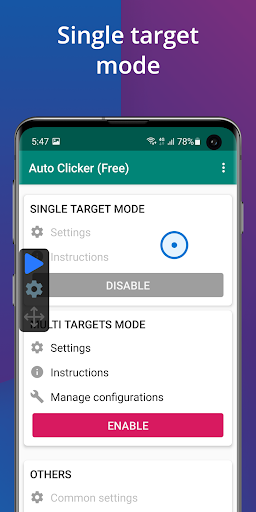
- Automated Tapping Set your own tap locations and intervals for any application. Perfect for gamers requiring rapid actions or for anyone automating tedious tasks. Boost your efficiency and save time effortlessly. ⏰
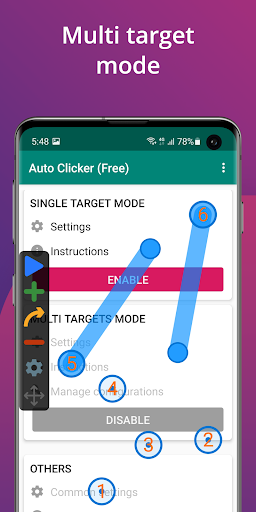
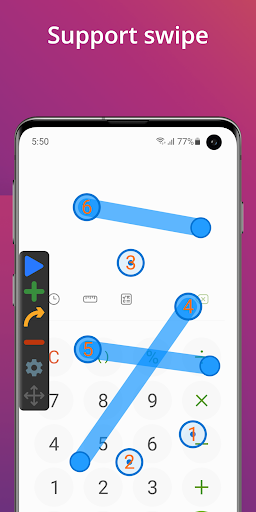
- Multi-Action Support Go beyond basic taps! Configure multiple click points and swipe gestures to create intricate automation sequences. Ideal for complicated game mechanics or advanced workflow automation.
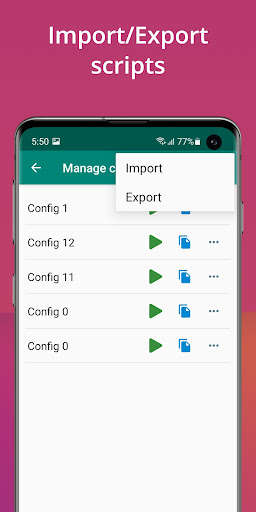
- Management Easily save and reload your automation settings. Share your scripts or make backups. This feature is a lifesaver for those who frequently switch between different automated tasks or collaborate. 📁
- Script Management Easily save and reload your automation settings. Share your scripts or make backups. This feature is a lifesaver for those who frequently switch between different automated tasks or collaborate. 📁
Pros
- The user-friendly floating control panel lets you start and stop automated taps with ease, even during intense gaming moments. No need to exit your app! With support for multiple click points and swipe gestures, this app offers incredible flexibility for complex automation needs, far beyond basic clickers. The ability to import and export scripts is a great time-saver, allowing easy backup and sharing of custom automation sequences.