Editor's Review
Tired of being silenced or censored online? 😤 Imagine a platform where your thoughts truly matter, where you can speak freely without fear of being banned or shadowbanned. 🗣️ Truth Social provides exactly that – a vibrant community built around free expression.
🌐 Join millions reclaiming their digital space and engaging in honest, open discussions. ✨ Explore diverse perspectives and connect with people who value real conversation. 🤝 Download the app now and be part of the movement! 🚀
Features
- Profile Create a distinctive online identity with a personalized profile, avatar, and background. Track your posts, likes, followers, and following counts to see your influence expand. 🌟 Ideal for those who want to express their authentic self and stay on top of their activity. Ensure your profile makes an impact! 🚀
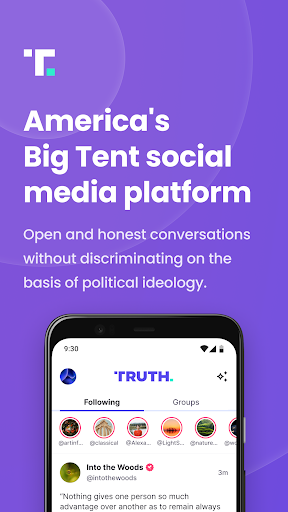
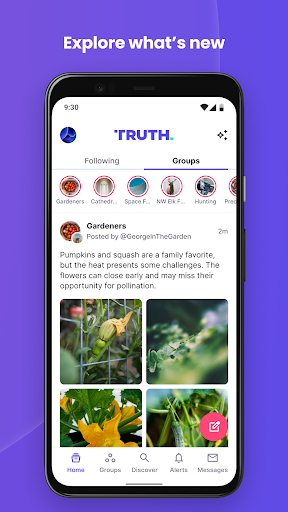
- Truth Feed Stay current with a customized feed of posts from all the accounts you follow. See updates, photos, links, and more from the individuals and communities that matter to you. 📰 Perfect for users seeking a unified stream of information and engagement. Never miss important updates! ✅
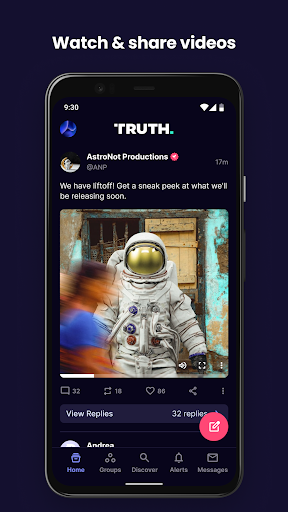
- Compose Truths Share your thoughts, opinions, news, polls, or videos effortlessly. Engage with your followers and potentially see your content spread widely. 📣 A must for those looking to speak out and participate in larger conversations. Let your voice reach across the globe! 🌍
Pros
- This app champions free speech, offering a welcome alternative to platforms with stricter content moderation. It's a space for open dialogue and diverse viewpoints, which is increasingly rare. 💬
- Profiles are highly customizable, providing a personalized experience that showcases your individuality. The ability to track engagement metrics like followers and likes is a major advantage for creators. 👍
- The 'Compose Truths' feature is user-friendly and versatile, supporting various content types from text to videos and polls, making it easy for users to share their messages. ✍️