Editor's Review
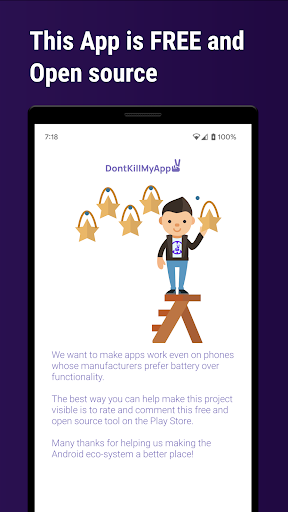
Tired of your essential apps disappearing at the worst moments? 😩 Imagine your music stopping mid-song or your fitness tracker losing data – a common frustration for Android users! 🎶 DontKillMyApp gives you back control, ensuring your apps run smoothly in the background.
With over 90% of Android phones killing background apps, this tool is vital for a better experience. ✨ Discover how your device measures up and take charge! 💪
Features
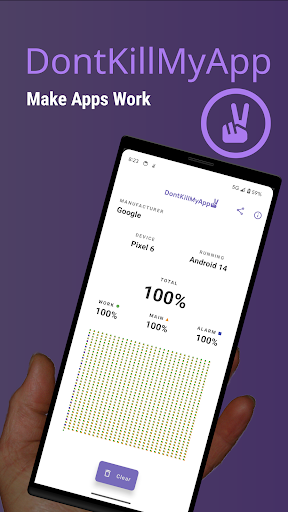
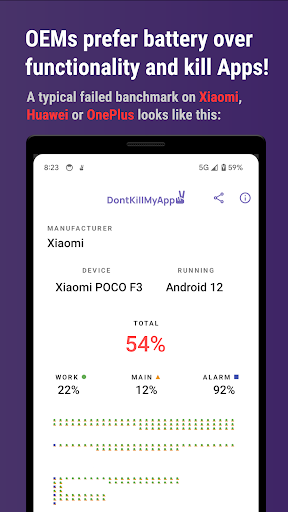
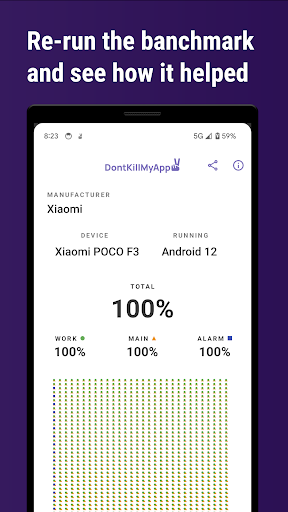
- DKMA Benchmark Evaluate how severely your device kills background apps. 📊 Run it before and after adjustments to observe real gains in app performance and reliability. Crucial for identifying and fixing background process issues on your phone. 🚀
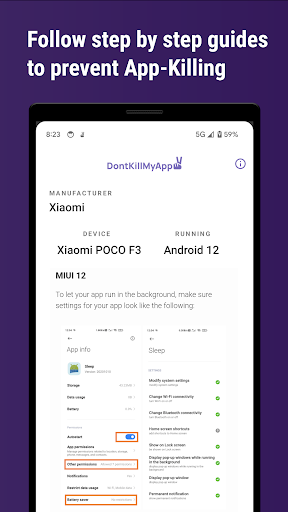
- Guides Receive straightforward, actionable instructions tailored to your device to bypass aggressive background app restrictions. 🛠️ Use these guides to adjust your phone's settings and maintain seamless app operation. Perfect for anyone seeking a more fluid experience. ✅
- Make a Change Contribute your benchmark scores to a global community initiative! 🌐 Help improve the Android ecosystem by providing data and encouraging manufacturers to implement better background task handling. Be part of the fix! 🌟
Pros
- The benchmark tool is very insightful, providing straightforward data about how aggressively your phone kills background apps. Viewing the figures before and after implementing solutions really verifies the app's impact. 📈
- The guides are easy to understand and deliver real-world fixes that actually help, unlike typical generic tips. It feels great to finally understand and fix the problems affecting background app performance on my non-Pixel phone. 👍
- The fact that it's open-source and community-focused is a huge plus. Knowing that developers who care about improving Android maintain the app increases my trust and makes me happy to contribute data. 💖