orbitapk
Open menu
VCRx: Pharmacy Discounts icon

Safe APK Profile

VCRx: Pharmacy Discounts

Vivid Clear Rx · Medical

3.9
Rating
100K+
Downloads
safe
Badge
Download latest version

Why this app stands out

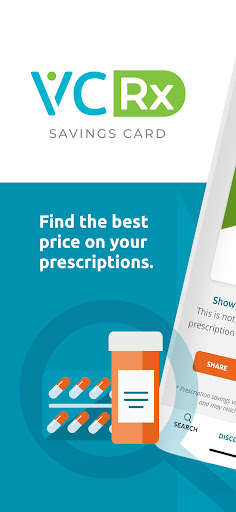
Fed up with prescription costs eating into your budget? 😭 Imagine strolling into your local pharmacy, showing your phone, and slashing your medication bills by as much as 80%! 💰 VCRx makes that real, offering discounts on over 10,000 meds at more than 35,000 pharmacies nationwide.

No tricky sign-ups, just simple savings. ✨ It's like having a personal health savings coach, ensuring you and your family get the best prices. 👨‍👩‍👧‍👦 Get it now and see your prescription costs plummet! 🚀

Medication Search

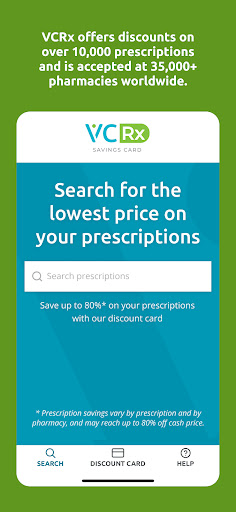
Search for your prescribed drug instantly and see the discounts available. Perfect for people managing medication costs, especially if you have high deductibles or no insurance. Start saving now! 💸

Pharmacy Finder

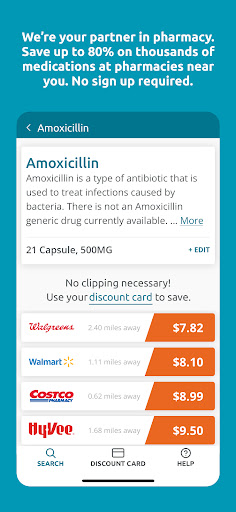
Locate over 35,000 pharmacies that accept the discount near your location. Compare prices and select the most affordable option for your medication. Ideal for users who want to ensure they get the best local rate. 📍

Digital Coupon

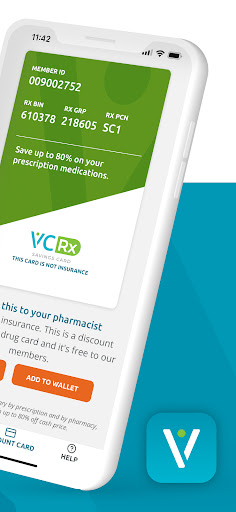
Activate and display your VCRx digital coupon at the pharmacy counter for instant discounts. Easy, quick, and effective for anyone filling prescriptions. Increase your savings every time! ✅

Orbit safety scan

Download confidence at a glance

Source profile checked

Package identity, developer name, category, and public listing signals are grouped before the download decision.

Install intent clarified

Users can compare screenshots, rating, downloads, and feature notes without leaving the detail page.

No registration path

The CTA is designed around a direct, low-friction APK lookup flow for repeat visitors.

Independent catalog

orbitapk separates editorial app information from official ownership claims and brand assets.

What to review before installing

1

Match the app identity

Check the name, developer, and category against what you expected to install.

2

Scan the product fit

Use screenshots and feature notes to decide whether the app solves your current workflow.

3

Compare user signals

Rating and download volume help separate established tools from niche or newer releases.

Related picks

More Medical apps to compare

Keep users moving with nearby alternatives instead of ending the page after the first content block.

More Apps