Editor's Review
Tired of constant spam calls and unwanted messages? 😩 Imagine a peaceful evening without your phone buzzing from telemarketers or scam alerts. 🌙 This app acts as your personal protector, silently blocking annoying calls and texts so you can enjoy undisturbed peace.
Join over 1 million users who have reclaimed their focus and tranquility! ✨ Try it now and experience the calm. 🧘♀️ It's simple, effective, and designed for your mental well-being. 💯
Features
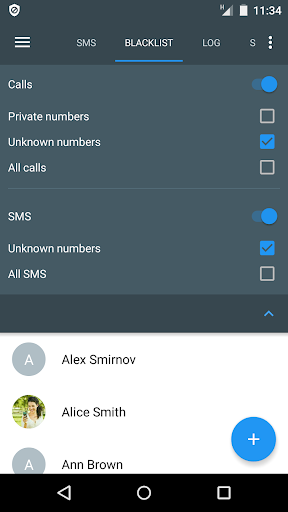
- Call Blocker Instantly block unwanted calls by adding numbers to your blocklist or hiding private/unknown callers. Ideal for those who want a peaceful phone, whether you're a busy professional or simply love quiet. 🚫📞 Enjoy uninterrupted conversations and regain your focus. This tool ensures only essential calls get through. ✅
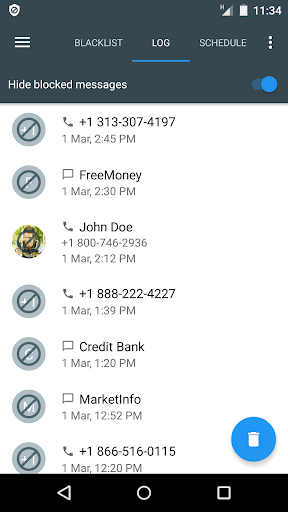
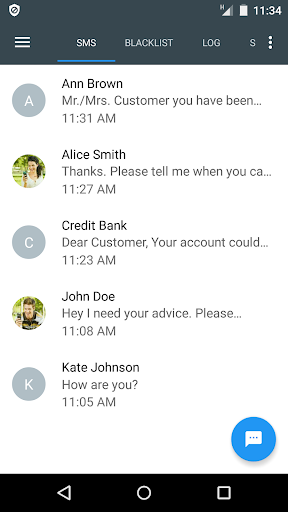
- SMS Shield Never let spam make you miss an important message again! This app filters out annoying SMS spam, marketing, and scam texts, keeping your inbox clean. 📩 Perfect for anyone who prefers a tidy messaging experience. Feel confident knowing your texts are protected. 🛡️
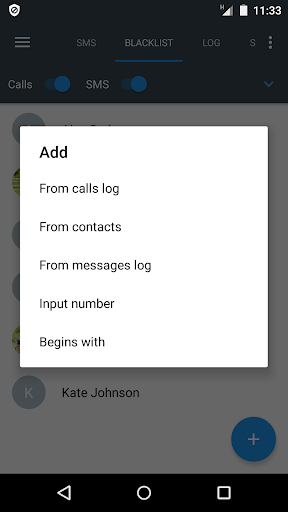
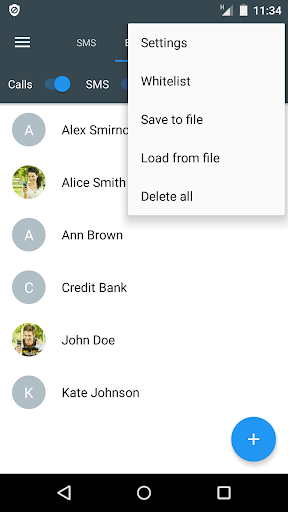
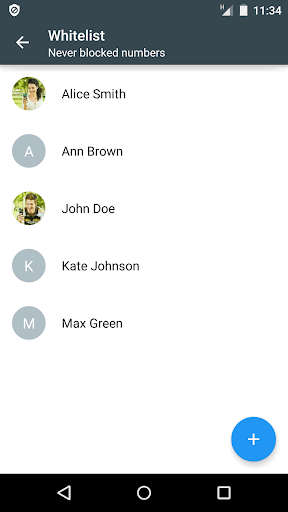
- Smart Blacklist Easily manage all blocked numbers and even block spammers based on message content. 📝 Save and import your lists for seamless protection across multiple devices. A must-have for users who want complete control over their communication. 🚀 Keep your contacts organized and spam-free! 💯
Pros
- This app offers powerful call and SMS blocking with simple blacklist management. Its lightweight design ensures smooth performance without draining your battery. Truly essential for anyone looking to escape digital clutter. 👍
- The integrated SMS messenger is a fantastic bonus, allowing you to manage all your communication needs in a single app. Managing chats and blocking spam SMS has never been easier. Saves time and simplifies your digital life. ✨
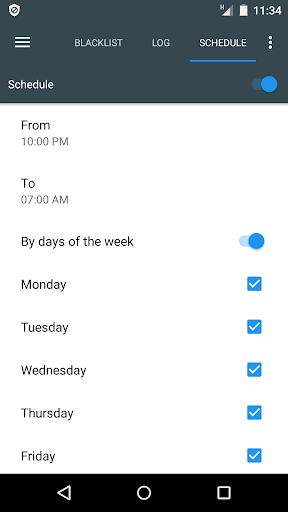
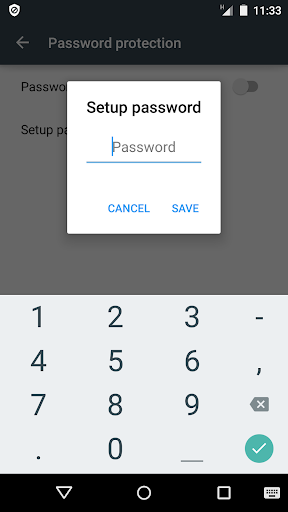
- The Pro version's features, such as password protection and scheduled blocking, offer an extra layer of security and convenience. The one-time purchase provides great long-term value, making it a wise investment for peace of mind. 💰