Editor's Review
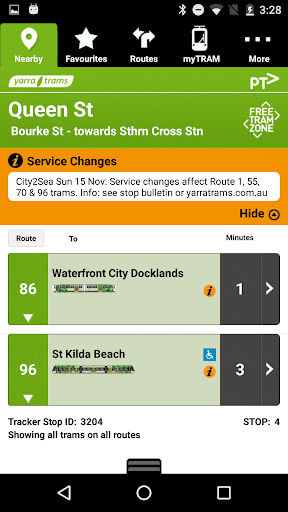
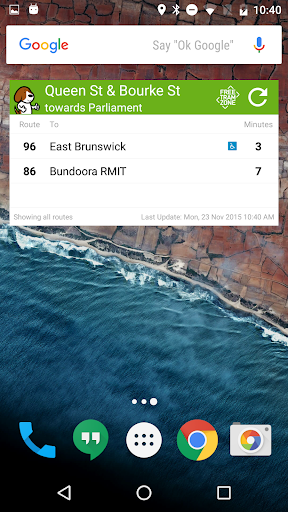
Tired of waiting at the tram stop, uncertain when your tram will arrive? 🚋 Picture knowing exactly when to leave your warm home or office, avoiding Melbourne's chilly mornings or sudden rain! ☔ tramTRACKER makes this possible, offering live arrival times for every tram across Melbourne.
With over 100,000 downloads, users love how it saves them precious minutes every day. Stop guessing and start planning your journey with confidence. Get tramTRACKER now and enjoy a smoother commute! ✅
Features
- Real-Time Arrivals Never miss your tram again! See exactly when your next tram is arriving, with automatic real-time updates. Perfect for daily commuters and tourists, it helps you stay on time. ⏱️ View accurate arrival times clearly displayed, so you can relax knowing your tram is approaching. ✅
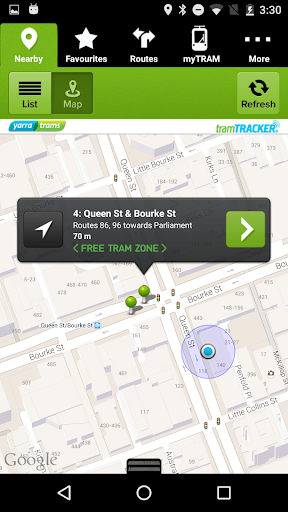
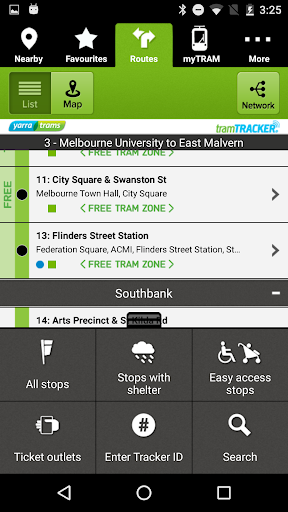
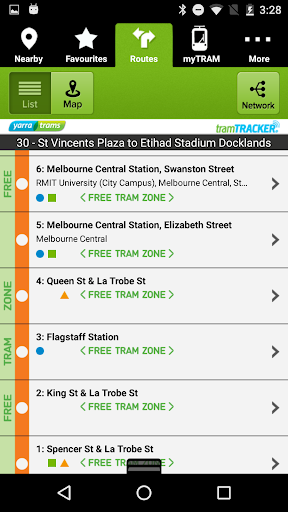
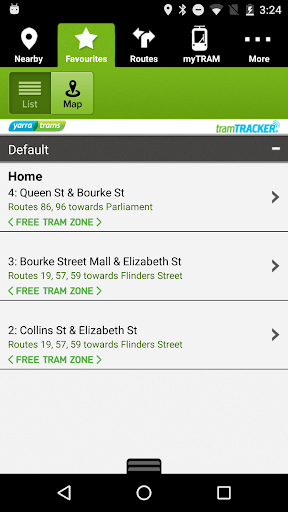
- Stop Finder Lost in the city or exploring a new area? Easily find the nearest tram stop using GPS or by browsing interactive route maps. 🗺️ Great for newcomers and seasoned travelers who need quick access to transit options. Also locate stops with shelters for rainy days! ☂️
- Stay informed about sudden changes Receive instant alerts for service disruptions or delays, allowing you to adjust your travel plans promptly. 🔔 Essential for those relying on public transport, this feature reduces surprises and keeps your schedule smooth. 🚦
Pros
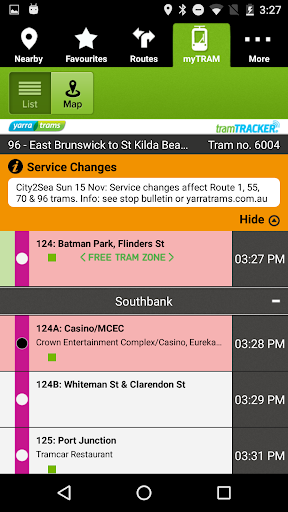
- The live arrival feature is very accurate, providing peace of mind and reducing waiting anxiety. Knowing the exact moment your tram arrives allows better planning and a calmer morning. The app is intuitive and easy to use. Finding nearby stops, viewing multiple arrival times, and getting disruption alerts is straightforward, making it accessible for all ages. The 'myTRAM' function, showing the tram's real-time location, is outstanding. It offers extra confidence and lets users track their specific tram, enhancing the overall experience.