
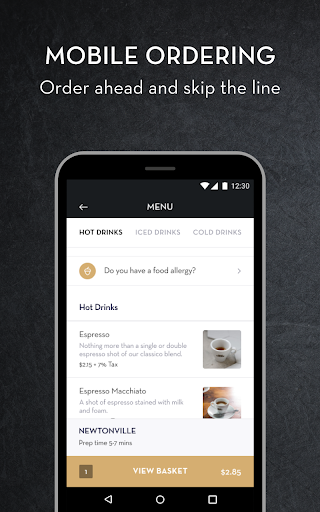
Why this app stands out
Tired of fumbling for your loyalty card or queuing for ages? 😩 Imagine breezing through your coffee run, your preferred drink already prepped and settled before you even reach the counter! ☕️
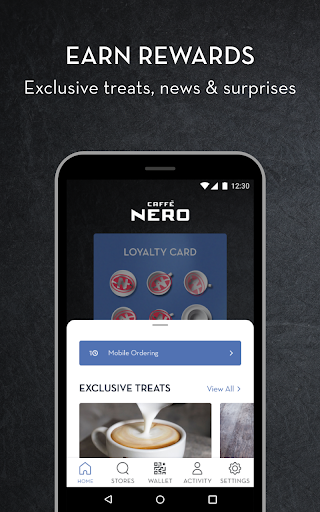
The Caffè
Nero app transforms your everyday coffee ritual into a seamless, gratifying experience. Link your card, watch your virtual stamps accumulate, and access exclusive benefits with every buy. 🚀 Over a million users have already streamlined their coffee habit, cutting wait time and earning perks. Be part of it and maximize every cup! ✨
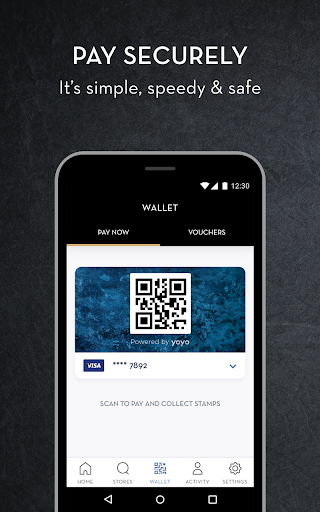
Quick Pay
Link your debit or credit card for simple, secure payments at the store. Simply scan the app's QR code and your purchase processes instantly, perfect for busy mornings or on the go. 💳 Experience a faster checkout and forget about carrying cash or multiple cards. This function benefits everyone seeking convenience and efficiency. 🏃♀️
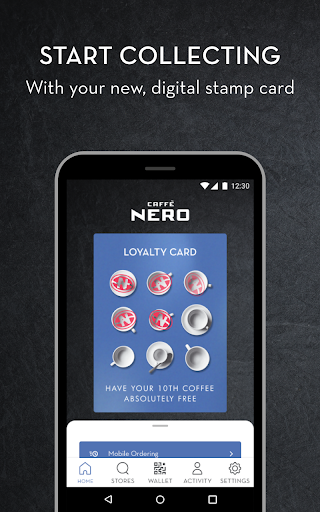
Digital Loyalty
Say goodbye to misplaced physical cards! 👋 Your virtual loyalty card automatically monitors your purchases, accumulating stamps with every transaction. Reach your stamp goal and earn delicious rewards such as free drinks or snacks. 🎁 Designed for savvy coffee lovers who appreciate a little extra with their daily caffeine fix. 💯


