Editor's Review
Ever found yourself counting event guests, tracking exercise laps, or just totaling items in a store? 🏃♀️ Click
Features
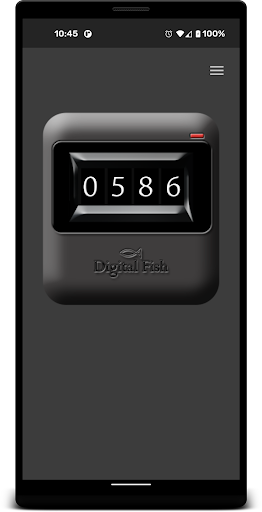
- Count Easily increase your count using the volume up button, ideal for fast tallies when the screen isn't convenient. This hands-free approach is excellent for event organizers or fitness enthusiasts tracking progress. 🏃♂️ The count resets with a single tap, ensuring accuracy and ease for all your counting requirements. 💯
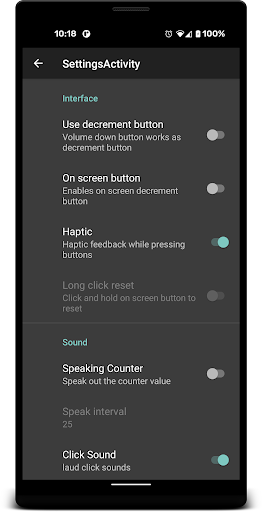
- Speech Assistant Hear your current count spoken out loud, which is very useful for those with visual difficulties or when your hands are busy. Simply activate the speech assistant feature and keep track of your tally without looking at the screen. 🗣️ This accessibility feature ensures that everyone can benefit from precise counting. 🌟
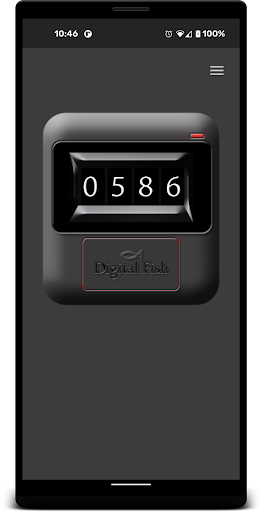
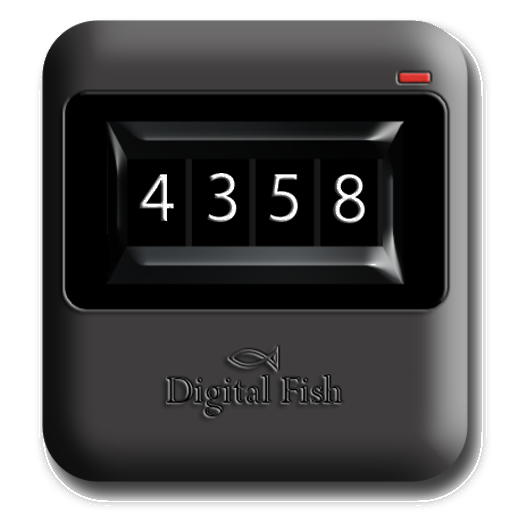
- On-Screen Button For fans of a visual method, the on-screen increment button offers a straightforward way to log counts. This is great when you like seeing the number update instantly. ✨ The animated digits provide a pleasing visual effect with every tap. 🔢 It's ideal for those who prefer clear, visual confirmation. 👍
Pros
- The volume button counting feature is groundbreaking, enabling discreet and quick tallies without unlocking your phone or navigating menus. It's incredibly convenient for fast, mobile tracking. 👍
- Optional decrement and speech assistant features provide great flexibility, catering to a wider variety of users and scenarios. These thoughtful enhancements boost accessibility and user control, making it a truly versatile tool. 🌟
- The counter retains its value until you reset it, and the previous value display gives you great data retention and review capabilities. This ensures you never lose your counts, even after closing the app. 📊