Editor's Review
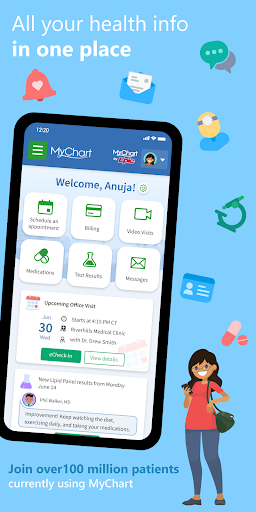
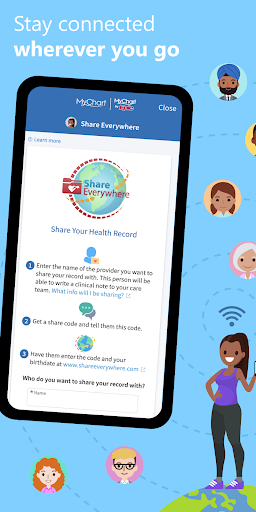
Have you ever wished you could text your doctor without waiting on hold or check your latest lab results from your couch? 🤔 MyChart makes that possible, putting your entire health record right in your hand! Imagine no more phone tag with clinics—just direct messages with your healthcare team.
👩⚕️ It's like having a personal health assistant in your pocket, helping you schedule appointments, review medical history, and even understand your bills. Millions of people have already simplified their healthcare, with over 90% saying it's easier to manage their health. 🚀 Don't miss this easy way to stay connected and take control of your well-being.
Download now and enter the future of healthcare! ✅
Features
- Secure Messaging Message your healthcare providers directly for non-urgent medical inquiries, prescription refills, or follow-up care, saving time and hassle. Perfect for busy individuals who need quick answers without a phone call. 💬
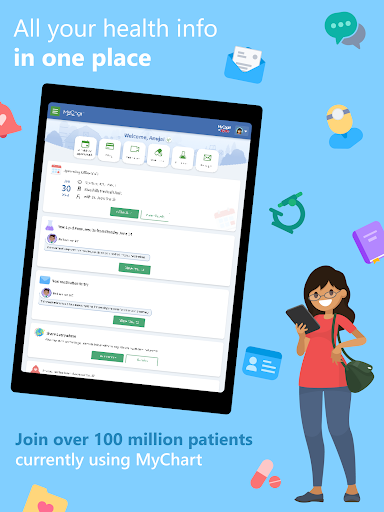
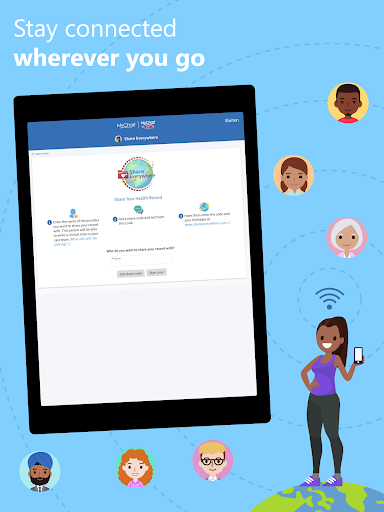
- Access View your lab results, current medications, immunization history, and past visit summaries anytime, anywhere. This keeps you informed about your health and allows you to easily share information with other providers if necessary. 📂
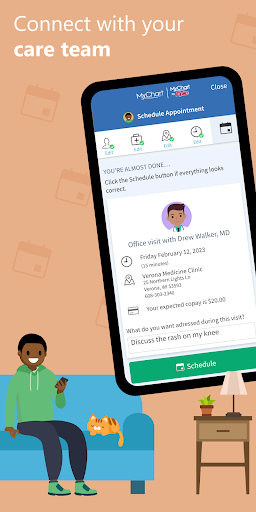
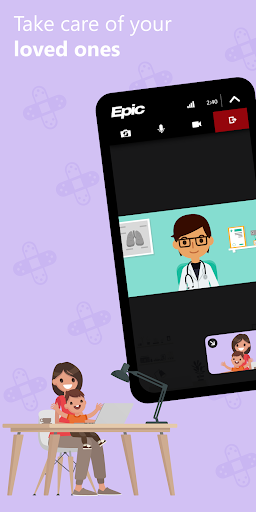
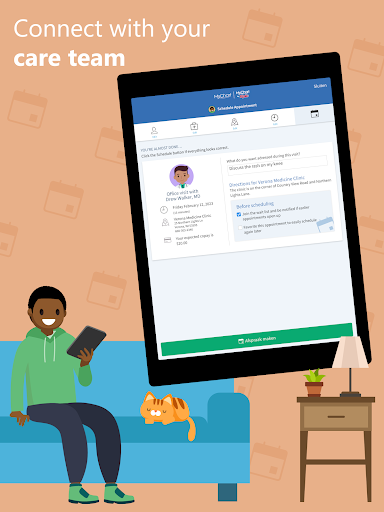
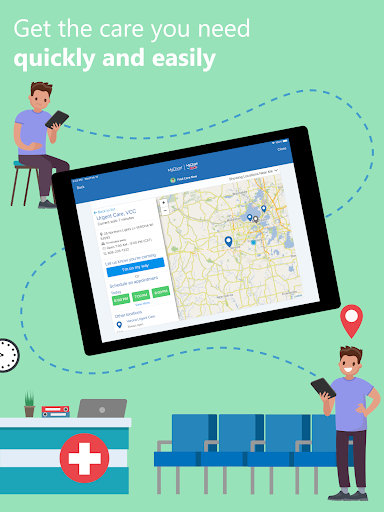
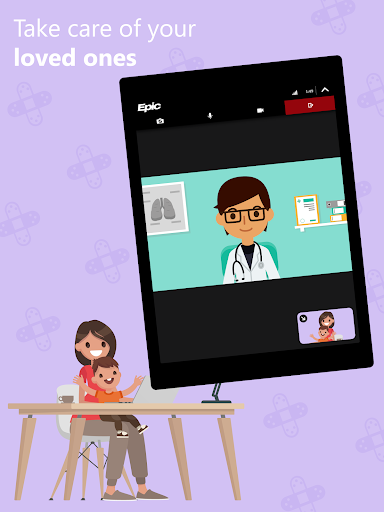
- Appointment Management Schedule, modify, or cancel appointments—including telehealth visits—directly within the app. This feature is a lifesaver for people with busy schedules who need to manage their care efficiently. 📅
Pros
- Direct messaging your doctor is a real game-changer, providing fast replies and eliminating phone tag. It's very convenient for follow-ups and non-urgent issues, saving you valuable time. Having all your health data—from lab results to vaccination records—in one place gives you incredible peace of mind. It keeps you informed and prepared for appointments or discussions with specialists. Easily managing appointments, including video visits, simplifies healthcare coordination. This feature is particularly helpful for those juggling multiple appointments or family health needs, reducing scheduling conflicts.