

Why this app stands out
Tired of switching between many apps and websites to manage your Bouygues Telecom services? 🤔 Imagine easily watching your data usage during a long train journey 🚆, quickly pulling up your latest bill before a due date ⏰, or knowing when your technician will arrive while drinking your morning coffee ☕. The new Bouygues Telecom app makes these daily tasks easier!
With over 5 million downloads and a 4.5-star rating, users value its intuitive design and complete features. It's your all-in-one solution for a seamless mobile and home broadband experience, giving you control right at your fingertips. ✨
Consumption Tracking
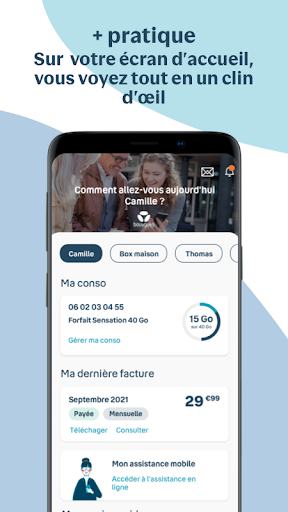
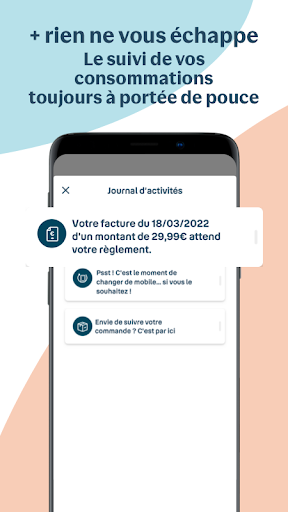
Monitor your real-time data, call, and SMS usage, whether at home or abroad. 🌍 Great for cost-conscious users and families managing multiple lines. Purchase top-ups and extras on the go, ensuring you stay connected without unexpected fees. This tool gives you confidence and control over your spending. 📊
Package Management
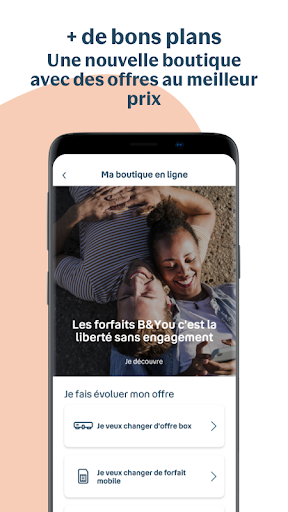
Easily review and understand the details of your current mobile and broadband plans, along with those of your family. 👨👩👧👦 Ideal for anyone wanting to ensure they have the best deal and optimize their subscriptions. No more missing out on perks or paying for unused services. 💡
In-App Assistance
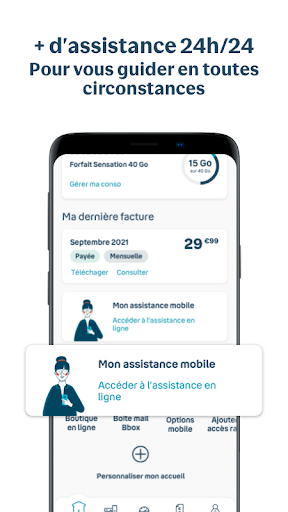
Get instant support for any issue, from lost devices to Bbox setup and troubleshooting. 🛠️ Contact via chat or use specialized assistants for mobile and home services. This tool is a lifesaver for those who need quick, reliable help without lengthy phone calls. 🆘


