Editor's Review
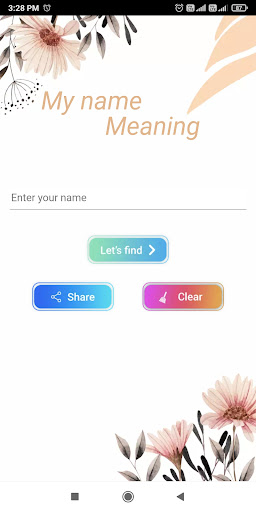
Ever wondered about the hidden stories within your name? 🤔 Imagine instantly learning the funny, quirky, or profound meaning behind it and showcasing it as a beautiful image! ✨ This app turns curiosity into a delightful adventure, perfect for those who love self-discovery or jazzing up their social profiles.
With over 100,000 downloads and users adoring the surprise factor, it's a great way to smile and learn something new about yourself or friends daily. 😄 Download now and uncover the fun secrets your name holds! 🚀
Features
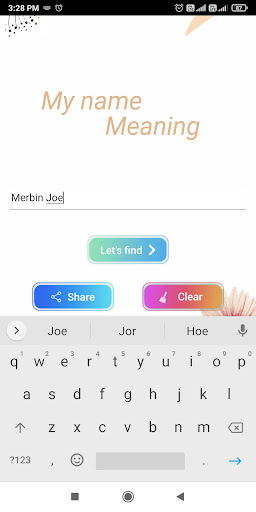
- Name Meaning Discovery Uncover the unique and frequently comical meanings behind your name and the names of your loved ones. Ideal for a daily dose of self-reflection or when you need a funny fact to share. It's a delightful way to connect with your identity and explore personal insights. 😄
- Maker Transform your name's meaning into an attention-grabbing poster. Great for sharing on social media or gifting as a personalized present. Make your name stand out with uniquely designed graphics that embody the essence of its meaning. 🖼️
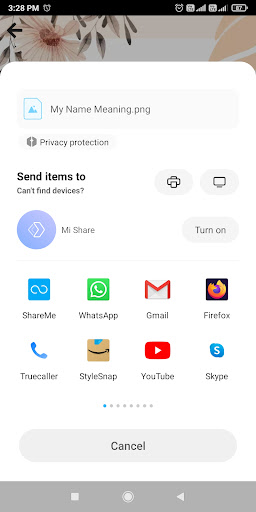
- Sharing Easily share your name's meaning or the posters you create directly to your favorite social platforms. Connect with friends and family by spreading happiness and fascinating name facts with a single tap. 📲
Pros
- The app's ability to generate creative and frequently funny name meanings is a major standout, providing endless entertainment and conversation starters. It's a fresh take on self-discovery that users genuinely enjoy. 😂
- Creating personalized name meaning posters is very easy and fun. The visual outcomes are beautiful, making it simple to craft shareable content that pops on social media feeds. ✨
- The app's user-friendly interface and seamless performance make discovering name meanings a breeze. The one-click sharing feature is particularly convenient, letting you spread the fun effortlessly. 👍