Editor's Review
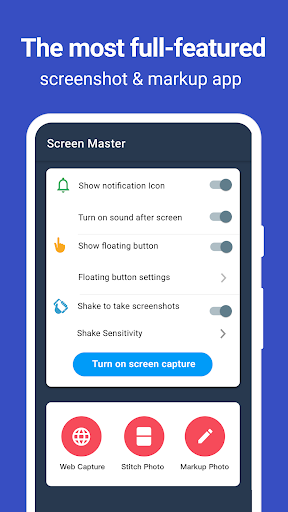
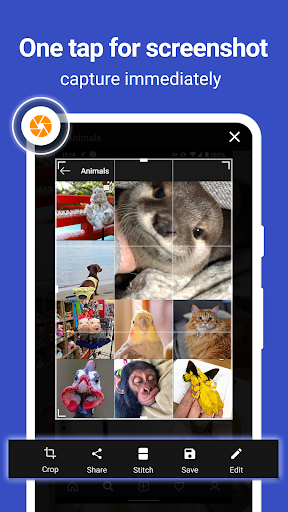
Have you ever missed capturing a hilarious moment or vital info on your screen? 📱 ScreenMaster turns those frustrations into easy victories! With a simple tap or shake, seize any screen instantly.
🚀 It's like having a superpower for your phone, making sharing and editing super simple. ✨ Users love how easy it is to annotate key details or compile lengthy conversations. Get ready to capture, edit, and share like never before! 🎉
Features
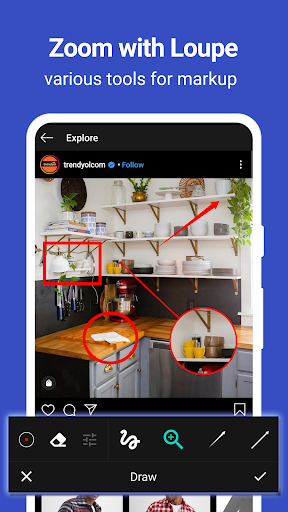
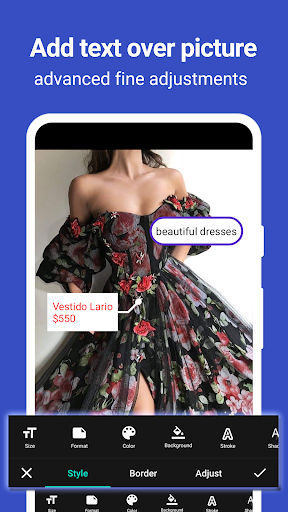
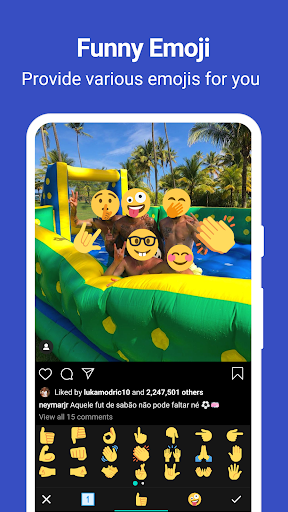
- Screenshot Magic Capture any screen using a floating button or a shake! Great for gamers highlighting high scores, students saving notes, or anyone needing to quickly share what's displayed. It's effortless and quick. 💨 Edit & Annotate ✍️ Crop, insert text, obscure sensitive data, or draw arrows! Ideal for professionals explaining concepts, buddies sharing memes, or users safeguarding privacy. Your screenshots become clear and tailored. 🎨
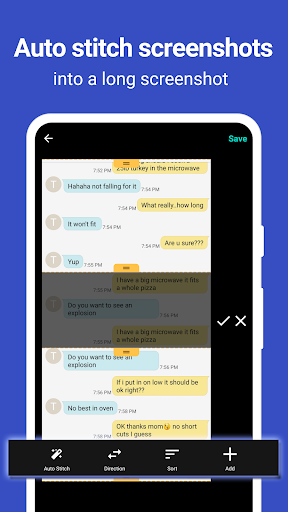
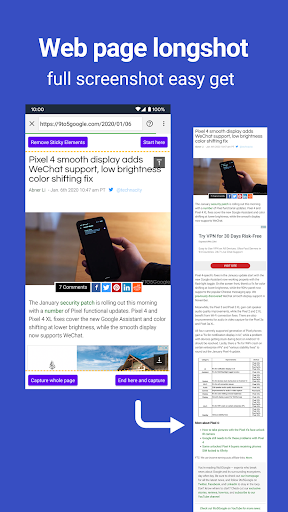
- Stitch Long Screens 📜 Merge several screenshots into one long image! Perfect for capturing whole articles, lengthy chat histories, or webpages with no trouble. Sharing extensive content is now straightforward. 🔗
Pros
- No rooting necessary, giving full access to all features. This makes it extremely user-friendly for everyone, regardless of technical skill. 💯
- High-quality screenshots saved losslessly in PNG format, keeping every detail. Perfect for designers, artists, or anyone who wants sharp, clear images. 🖼️
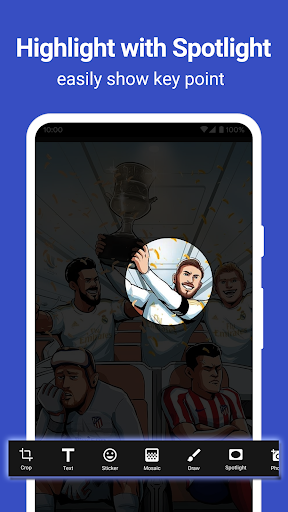
- A full set of markup tools, including shape cropping and spotlighting, improves your ability to communicate visually and effectively. 💡