



Why this app stands out
Tired of typing long URLs or struggling to connect to WiFi? Imagine quickly looking up product details while shopping or instantly capturing event info from a poster! QR Scanner - Barcode Scanner simplifies these everyday chores.
🚀 With over 1 million downloads, users commend its speed and simplicity. ✨ This app is your go-to for rapid data access, saving you time and hassle in numerous situations. ⏱️ Try it out and experience how much easier your day can be! 👍
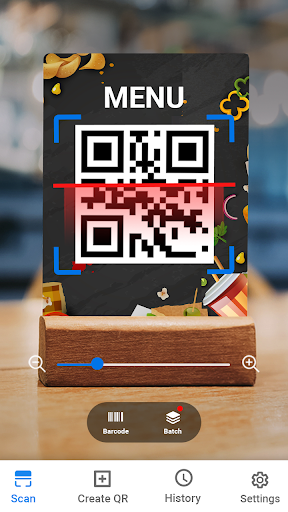
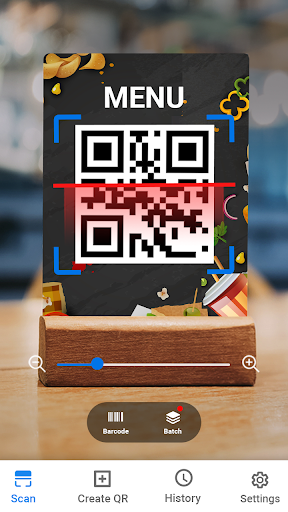
Quick Scan
Scan any QR or barcode swiftly with your camera, perfect for retrieving website links, product info, or WiFi passwords on the go. 📸 Users appreciate its speed and ease for everyday tasks like shopping or connecting to networks. This feature ensures you get information without delays or complicated steps, making it a must-have tool. ✅
Code Creator
Effortlessly generate custom QR codes for WiFi, contacts, or URLs to share with friends and colleagues. 🌟 Ideal for businesses needing to quickly share contact info or for individuals distributing event details. Create and share your codes with ease, fostering seamless communication and organization in your digital interactions. 📲
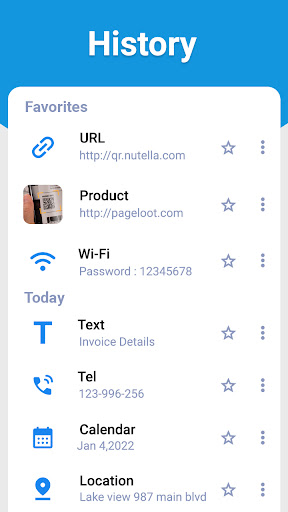
Scan History
Never lose track of scanned codes again! Access a complete history of each scan, allowing you to review product info, URLs, or contact details anytime. 📜 This feature is invaluable for users who need to revisit data obtained through scanning, ensuring nothing important is forgotten. Keep your scan history organized and accessible! 🗂️


