Editor's Review
Have you ever needed to record a podcast or video interview but feared a shaky internet would ruin your perfect take? 😥 Riverside.fm has got you! Imagine capturing crystal-clear audio and gorgeous 4K video, even in a busy café or on a distant trip.
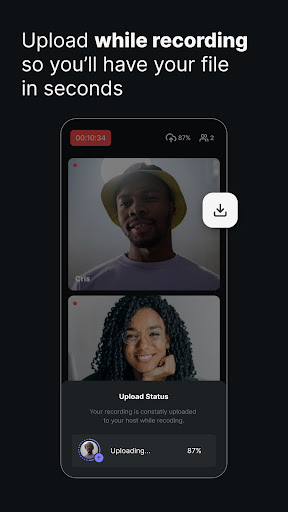
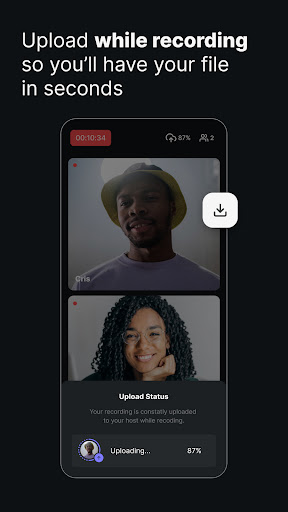
🏞️ With local recording, your content saves directly to your device, giving you studio-quality output every time, regardless of Wi-Fi. Users love the seamless experience, and TED Talks mentions its ability to get excellent recordings from remote participants. ✨ Become part of thousands of creators who are enhancing their content effortlessly! 🚀
Features
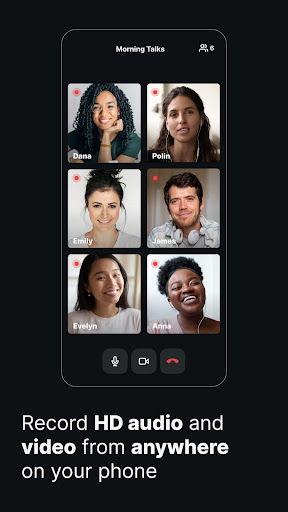
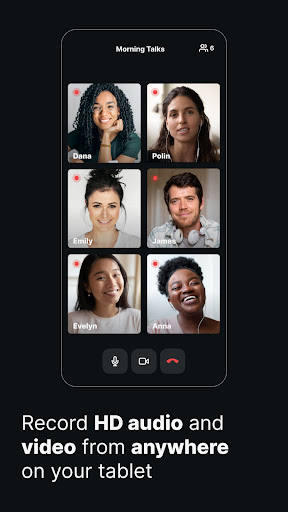
- Local Recording Say goodbye to concerns about weak connections! Record locally on your device in up to 4K video and WAV audio, guaranteeing studio-quality content no matter your internet speed. Ideal for anyone recording while traveling or in variable environments. 🎙️ Multi-Participant Bring up to 8 participants into your session, with each recorded locally for premium quality. Perfect for interviews, panel discussions, or collaborations, ensuring everyone's audio and video are at their best. 🧑🤝🧑
- Mobile Webcam Use Multicam mode to turn your smartphone into a professional secondary webcam. Enhance your desktop recordings with better camera quality, ideal for interactive webinars and captivating videos. 📱
Pros
- The local recording function is groundbreaking, guaranteeing perfect audio and video quality regardless of internet connectivity. This provides creators great reassurance who cannot risk losing a recording due to tech problems. The ability to record up to 8 participants locally, with separate audio and video tracks, offers exceptional editing flexibility. This degree of control is crucial for professional podcasters and video producers seeking refined final outputs. Riverside.fm's creative Multicam mode effectively transforms your phone into a premium webcam, outperforming the often subpar quality of built-in laptop cameras. This is a significant benefit for anyone emphasizing visual presentation.