
Why this app stands out
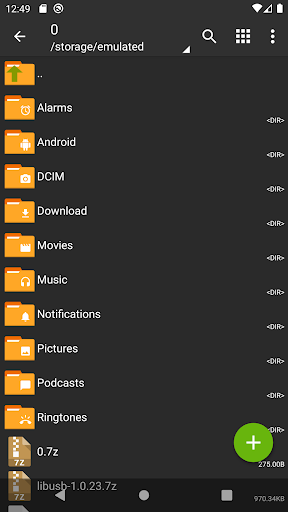
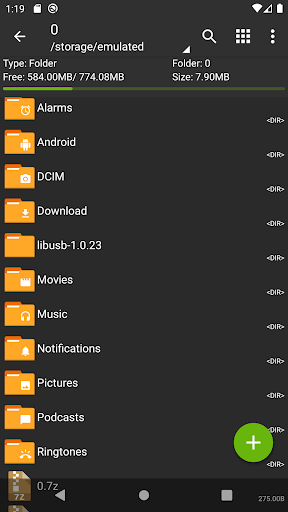
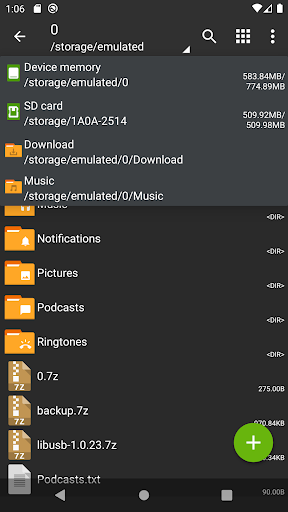
Tired of struggling to manage many files and share large documents? 😩 ZArchiver is your perfect companion for effortless file management, allowing you to compress, decompress, and keep everything on your device tidy! 🚀 Imagine quickly sharing your vacation photos or critical work files while keeping your device clutter-free.
🏞️ Users have freed up gigabytes of storage and sped up file transfers significantly! ⚡️ Download ZArchiver today and experience hassle-free file handling. ✨
Versatile Compression
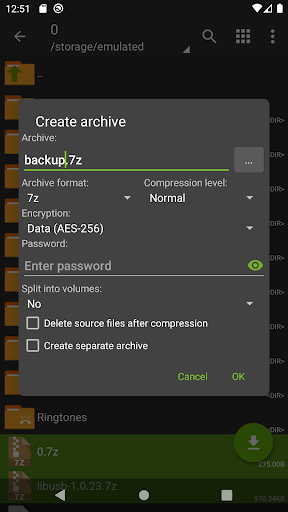
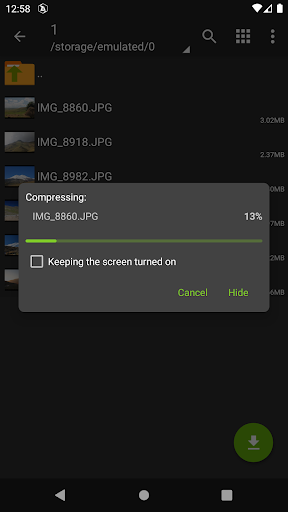
Effortlessly create archives in formats like 7z and zip, ideal for saving space and organizing files. Great for users who need to merge documents or prepare files for sharing. 📦 This is a must-have for efficient storage management. ✅
Extensive Decompression
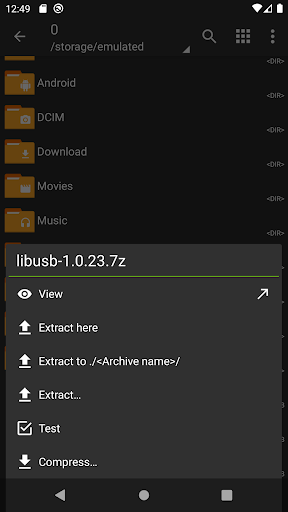
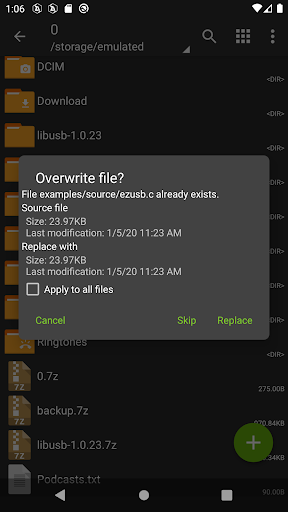
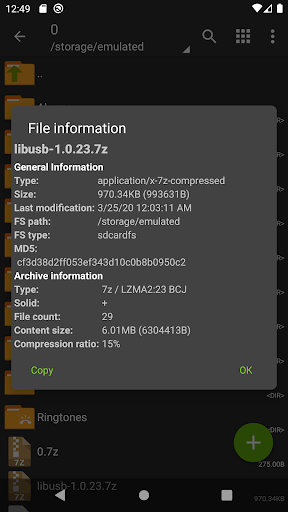
Easily open various archive formats, such as RAR and ZIP, without any hassle. 📂 Whether you've downloaded files or received documents, ZArchiver handles them all, letting you access any content quickly. Perfect for anyone needing to open compressed files. 👍
Secure Password
Protection Secure your confidential files by creating and accessing password-protected archives. 🔒 This feature is essential for privacy-conscious users who want to keep their data secure. Protect your information. 🛡️


