


Why this app stands out
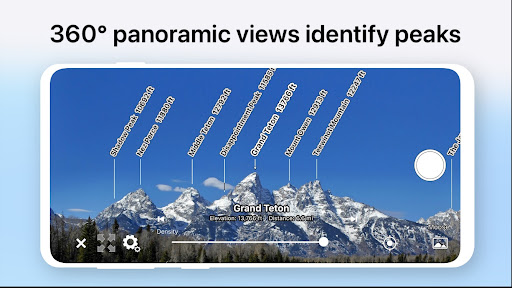
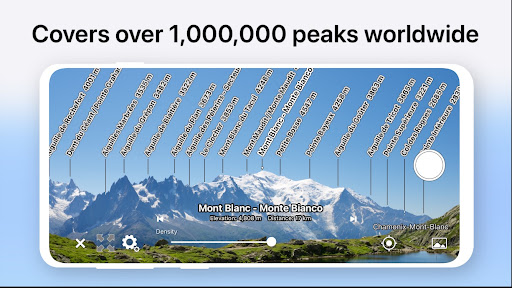
Imagine hiking through beautiful autumn trails, surrounded by majestic peaks, but struggling to identify them. 🏞️ With this app, simply point your Android device at a mountain, and instantly see its name, elevation, and mountain range displayed on your screen! 🤩 Over 900,000 peaks worldwide are covered, transforming every hike into an educational experience.
🌍 Whether you're a seasoned mountaineer or a casual outdoor lover, this app enhances your time outdoors by bringing the world's highest points to life. ⛰️ Download now and turn your next hike into an unforgettable adventure! ✨
Peak Identification
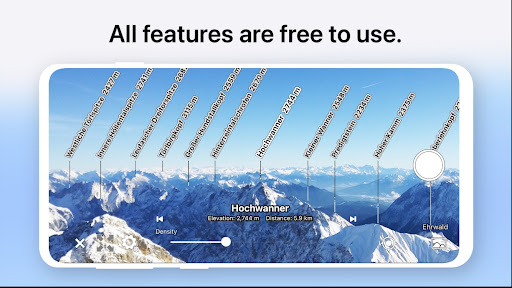
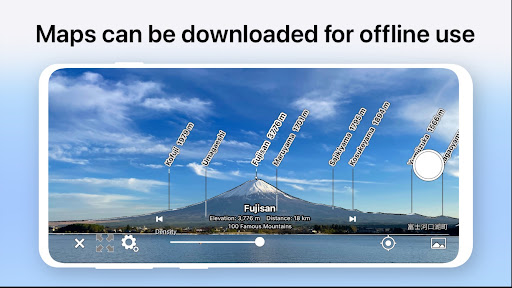
Quickly identify any mountain simply by pointing your device at it. ⛰️ Perfect for hikers and nature enthusiasts who want to know the names, elevations, and distances of the peaks they encounter on their adventures. 🌲 It's like having an intelligent guide in your pocket, making every outdoor excursion better! 🧭
AR Overlay
See mountain names and ridge line markers superimposed in augmented reality, even as you tilt your phone. 📲 This feature ensures accurate identification and easy navigation by aligning digital information with the real-world view. 🗺️ It's very helpful for maintaining orientation and appreciating the true form of the mountain. ✨ 3D
Sky
View Switch to a unique 3D view by pointing your device downward, providing an aerial perspective of the sky and landscape. 🌌 This mode gives a new angle, allowing you to explore the terrain and peak names on a map. 🗺️ It's a fun way to plan routes or simply enjoy the scenery from above. ☁️


