Editor's Review
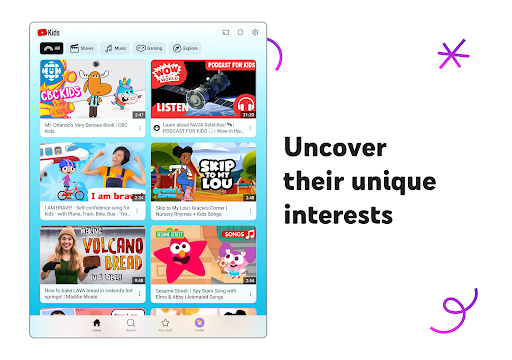
Is your child constantly asking for screen time, making you anxious about their online safety and what they watch? 🤔 Imagine a digital playground where kids can explore, learn, and create without you needing to supervise every moment! 🚀 YouTube Kids is designed to turn screen time into opportunities for growth and learning.
With millions of videos curated for young viewers, this app helps your child follow their passions, whether they dream of becoming scientists or artists. 🎨 Join over 100 million parents worldwide who trust YouTube Kids to provide a safe and enriching online experience for their children. ✨ Give your child the freedom to explore and watch their curiosity soar! 🌟
Features
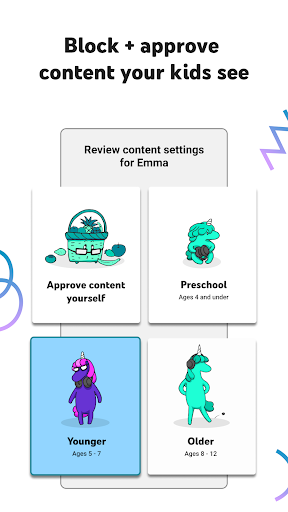
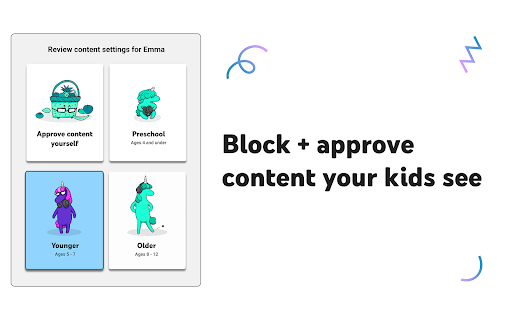
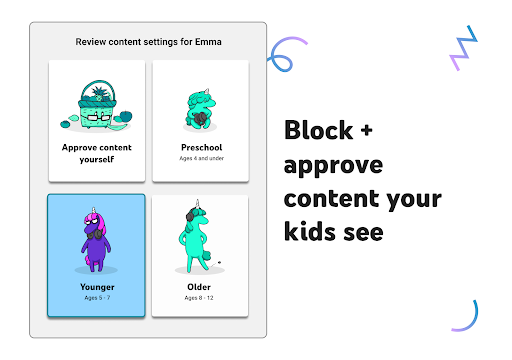
- Age-Appropriate Modes Tailor content to fit your child's developmental stage, from learning the alphabet in Preschool mode to music and games for older kids. 🧸 This ensures they see engaging and suitable videos, promoting safe learning and fun. Perfect for parents who want to guide their child's digital journey with age-appropriate content. 🧑🏫
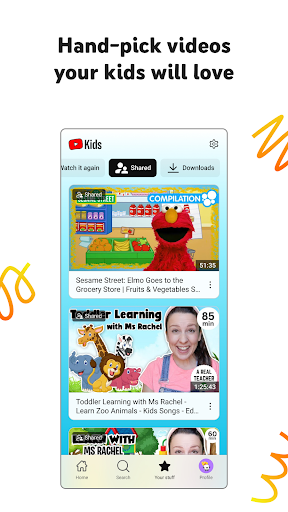
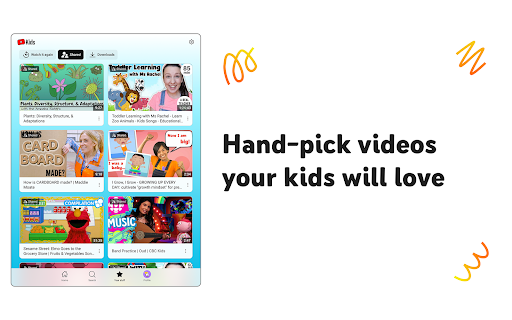
- Approved Content Only You individually select every video, channel, and playlist your child can watch, giving you ultimate control. ✅ This mode is ideal for parents who prefer a hand-picked experience, ensuring only the most trustworthy and beneficial content reaches their children. Peace of mind guaranteed! 😌
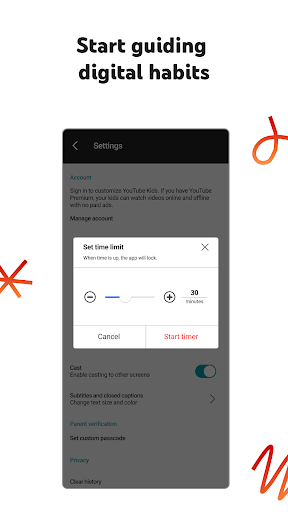
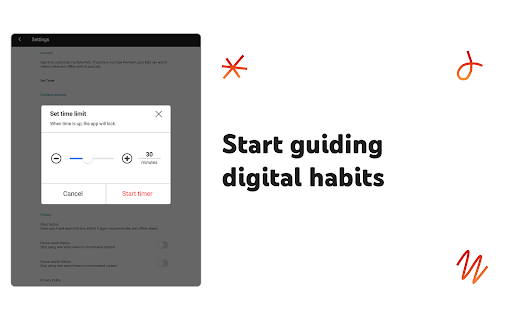
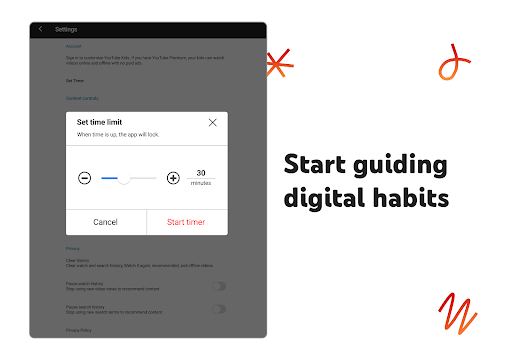
- Screen Time Timer Set time limits for viewing sessions to encourage breaks and a healthy balance between screen time and real-life activities. ⏰ When time is up, the app locks, helping kids transition smoothly and develop good screen habits. A fantastic tool for managing digital wellness. 🌳
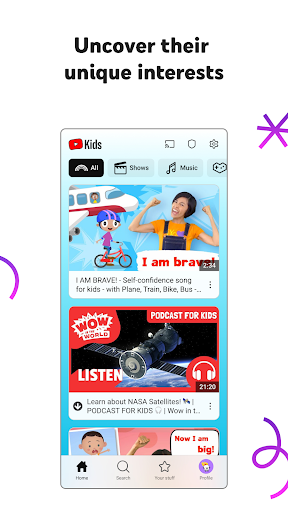
- Modern UI Redesign Features a refreshed color palette and new icons to offer a smoother, more engaging, and age-appropriate viewing experience.
- Flexible Device Orientation Now supports both portrait and landscape orientations, allowing children to easily search for content and watch videos regardless of how they hold their device.
- Navigation Bar Introduces a streamlined bottom navigation bar for quick access to
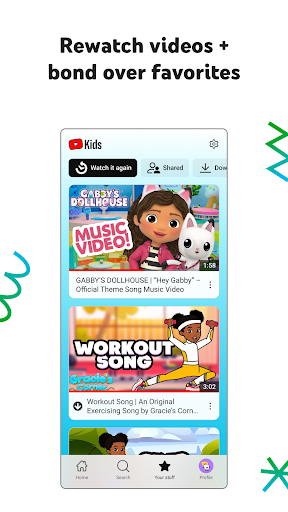
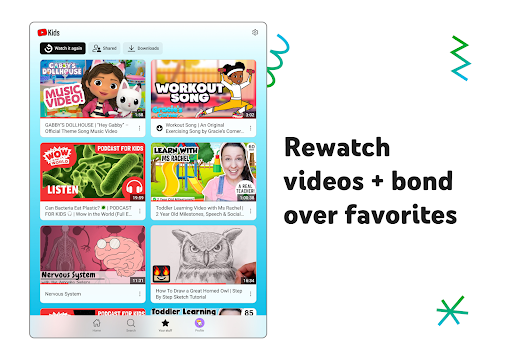
- Your Stuff, and Profile, making the app much easier for small fingers to navigate. Centralized 'Your
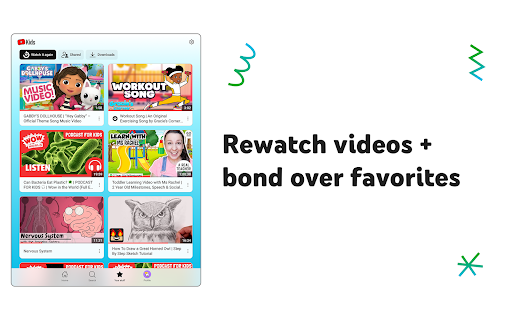
- Stuff' Hub A dedicated page that consolidates 'Watch it Again,' shared clips, and offline downloads, enabling children to quickly find their favorite videos without searching.
- Tiered Content Modes Offers customized
- Preschool, Younger, and Older modes that adjust content filters according to a child's developmental stage as they grow.
- Integrated Screen-Time Timer Includes an automatic timer that locks the app when the limit is reached, giving parents a hassle-free way to manage healthy digital habits.
Pros
- The intuitive design allows children to navigate independently with ease, fostering a sense of accomplishment and reducing reliance on parents for basic tasks. This independence is a major benefit for both kids and parents. 👍
- Robust parental controls, including content reporting and blocking, provide parents with a strong sense of security. Knowing that the platform actively works to maintain a child-friendly environment is reassuring for peace of mind. ✅
- The variety of content, combined with age-appropriate modes, ensures that children remain engaged and stimulated as they grow. It adapts to their evolving interests, making it a valuable long-term resource for learning and entertainment. 🌟