Editor's Review
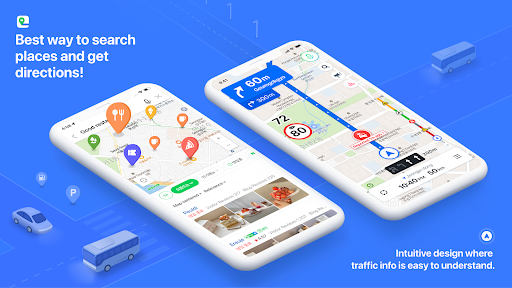
Lost in Seoul? 🗺️ NAVER Map turns your phone into a savvy local guide, making every journey a breeze! 💨 Imagine discovering a secret cafe or confidently steering through crowded streets.
✨ With more than 10 million downloads in Korea, it's the go-to app for millions. 🚀 Benefit from live traffic updates and a neat interface that simplifies your day. 🗓️ Ready to see Korea in a whole new way! 🌟
Features
- Lost in Seoul NAVER Map turns your phone into a savvy local guide, making every journey a breeze! 💨 Imagine discovering a secret cafe or confidently steering through crowded streets. ✨ With more than 10 million downloads in Korea, it's the go-to app for millions. 🚀 Benefit from live traffic updates and a neat interface that simplifies your day. 🗓️ Ready to see Korea in a whole new way! 🌟
- Smart Search Searching for a restaurant or a bus? 🚌 Our integrated search bar handles it all, from locations to public transport, saving you precious time. ⏱️ Perfect for hectic travelers and residents! 💯
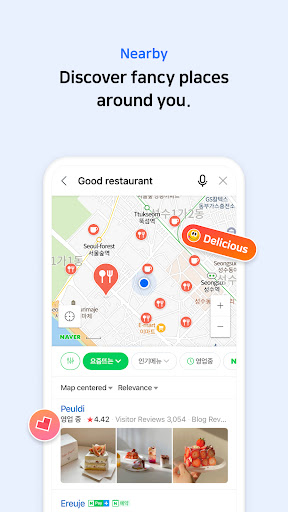
- Nearby Explorer Curious about what's around you? 🤔 The 'Nearby' feature uses NAVER's extensive data to showcase nearby eateries and points of interest. 🤩 Effortlessly browse your surroundings and find hidden treasures! 👍
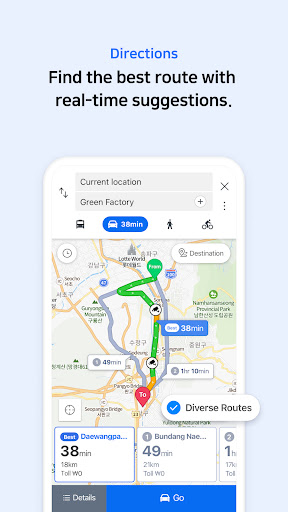
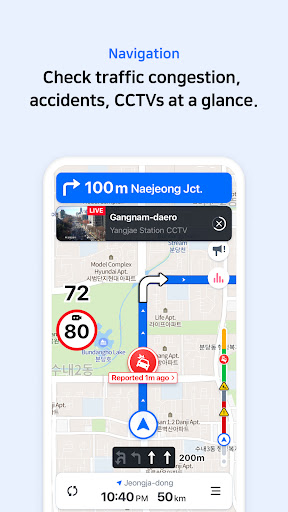
- Real-time Navigation Drive confidently! 🚗 Our navigation delivers precise routes with real-time traffic info, guaranteeing a smooth and efficient journey. 🚦 Designed for every driving situation, it's your reliable travel companion. 🚘
Pros
- The vector map with 3D views and 360-degree rotation is very immersive, offering a unique perspective on landmarks that aids in orientation and travel planning. 🤩
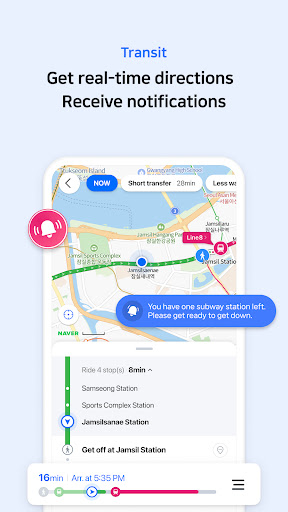
- Transit directions are incredibly helpful, providing real-time updates and convenient boarding alerts, making public transport easy even for beginners. 👍
- Seamless integration of street and satellite views enhances location search and route planning, giving users a comprehensive understanding of their surroundings before they get there. ✨