
Why this app stands out
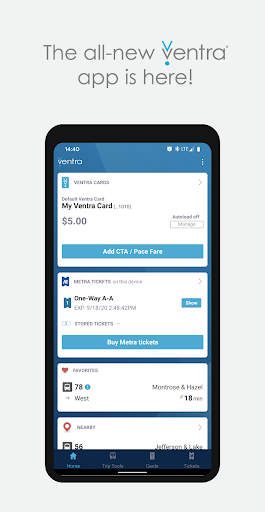
Navigating Chicago's public transportation—from the bustling CTA trains to the scenic Metra routes and convenient Pace buses—is a breeze with the Ventra app. Imagine paying your fare without fumbling for cash or searching for a ticket machine, especially during rush hour! 🏃♀️ This app brings all the main features of the Ventra site to your mobile device, plus the extra perk of mobile ticketing for Metra.
With over 5 million installs, it's a reliable tool for many daily commuters. ✨ Get ready to simplify your Chicago travels and make every ride smoother. 🚆
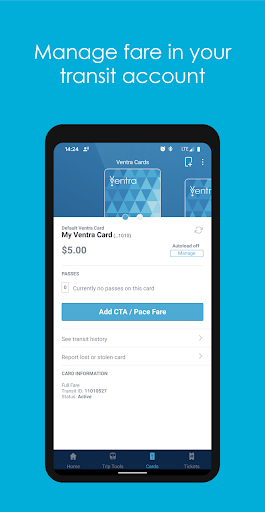
Fare Management
Check your Ventra Card balance and any stored passes in a flash, or load funds and passes right from your phone. Perfect for regular riders and occasional users seeking hassle-free fare management. 💳 Turn on autoload to stop worrying about running low! This feature ensures you're always ready to ride without holdups, saving time and frustration at the station. ⏱️
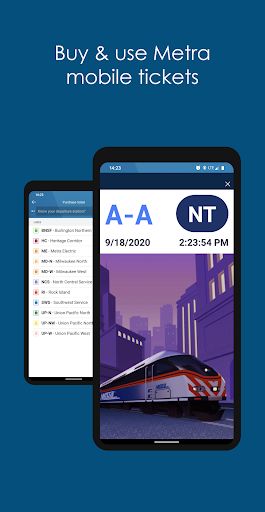
Metra Mobile
Tickets Purchase and use Metra mobile tickets directly through the app, eliminating the need for paper tickets. Ideal for Metra riders who prefer digital convenience and want to bypass ticket lines. 🎟️ You can also apply your stored transit balance to buy a Metra ticket, offering flexible payment options for your journey. Enjoy quicker boarding and peace of mind knowing your ticket is ready. ✅
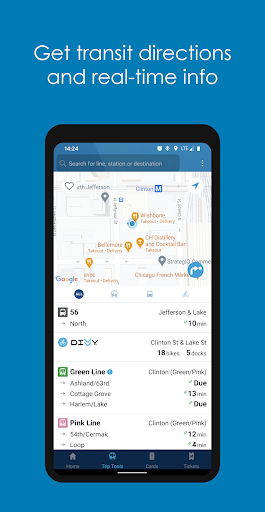
Real-Time Info
Access real-time arrival and departure info for


