Editor's Review
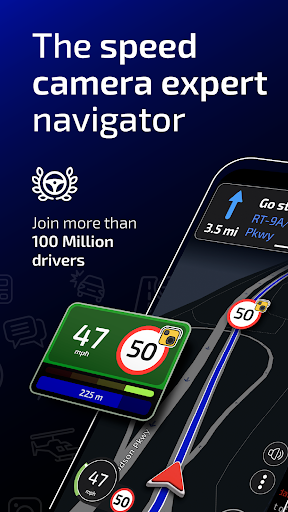
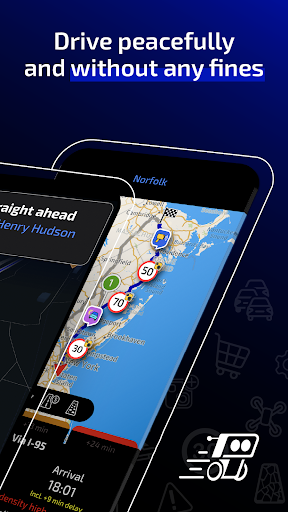
Tired of unexpected speed cameras sneaking up and costing you money? 💸 Imagine driving with confidence and peace of mind, knowing Radarbot keeps you safe with early alerts for all types of speed cams and road hazards. 🛡️ With over 50 million drivers sharing live data, you're part of a huge community making roads safer together.
🤝 This app turns stressful drives into calm journeys, making every trip enjoyable. ✅ Download now and join the movement to drive smarter, not harder! 🚀
Features
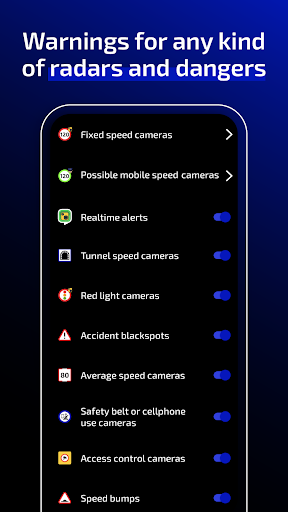
- Radar Alerts Never miss a speed trap again! Get instant alerts for fixed radars, mobile speed cameras, tunnels, and average speed check zones, helping you maintain safe speeds and avoid fines. Perfect for daily commutes and long road trips. 🚗💨
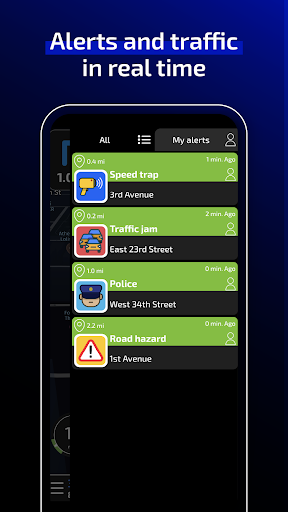
- Real-Time Updates Stay informed with real-time road conditions through live alerts from over 50 million drivers worldwide. Avoid accidents, traffic jams, and unexpected hazards, ensuring a smoother and safer ride for any vehicle. 🚦👍
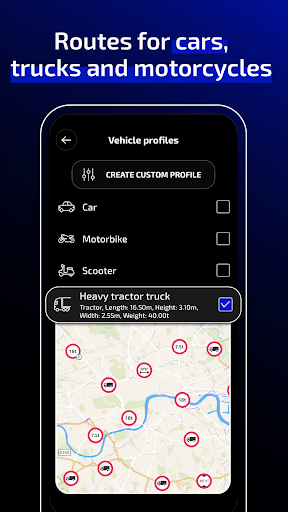
- Speed Limits Always know the correct speed limit for your car, motorcycle, or truck. The app provides customized notifications for different areas, helping you comply with laws and drive safely. 💯✅
Pros
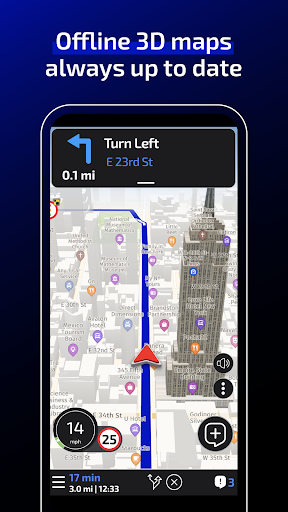
- The live alert system, powered by a large user community, is extremely accurate and provides immediate warnings for everything from police presence to road dangers, greatly improving driving safety. Compatibility with other apps like GPS navigation and music players is a huge plus, allowing for uninterrupted alerts without sacrificing your favorite functions or convenience. The extensive database of current radars worldwide, along with offline map support in paid versions, makes this an essential tool for all drivers, especially when traveling abroad.