orbitapk
Open menu
Waze Navigation & Live Traffic icon

Safe APK Profile

Waze Navigation & Live Traffic

Waze · Maps & Navigation

4.1
Rating
500M+
Downloads
safe
Badge
Download latest version

Why this app stands out

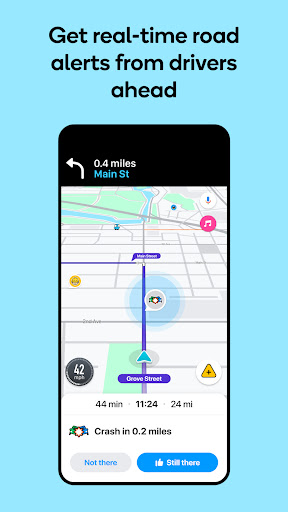
Tired of unexpected traffic jams ruining your commute? 😩 Envision yourself gliding past congestion using real-time data from millions of drivers! Waze turns your daily drive into a smoother, safer experience.

With accurate arrival times and alerts for hazards like accidents or speed cameras, you'll reach your destination with less stress and more confidence. Join the community and make every trip better! 🚗💨 Over 140 million drivers trust Waze for smarter navigation.

Live Traffic

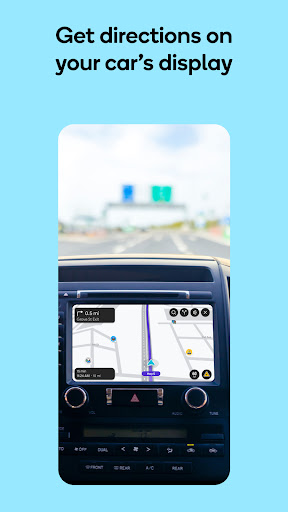
& Rerouting Avoid traffic congestion and arrive faster with live traffic data and automatic rerouting that adapts to real-time accidents and road closures. Perfect for daily commuters and anyone who needs to be on time, ensuring a stress-free journey. 🚦➡️✅

Alerts

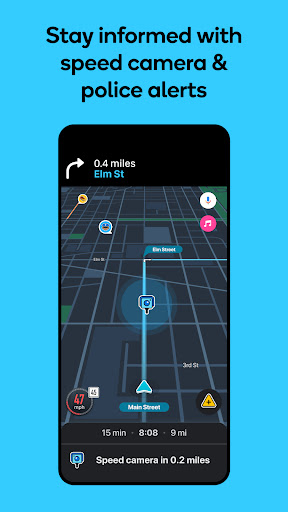
Stay informed about upcoming hazards like accidents, road work, police, and potholes. Waze notifies you so you can drive more cautiously and avoid tickets, helping any driver who values road safety. ⚠️👮‍♂️🕳️

Community Reporting

Share real-time accidents and hazards with other drivers, enhancing community-driven navigation. This feature allows users to contribute to safer roads for everyone. 🗣️🤝🌍

Orbit safety scan

Download confidence at a glance

Source profile checked

Package identity, developer name, category, and public listing signals are grouped before the download decision.

Install intent clarified

Users can compare screenshots, rating, downloads, and feature notes without leaving the detail page.

No registration path

The CTA is designed around a direct, low-friction APK lookup flow for repeat visitors.

Independent catalog

orbitapk separates editorial app information from official ownership claims and brand assets.

What to review before installing

1

Match the app identity

Check the name, developer, and category against what you expected to install.

2

Scan the product fit

Use screenshots and feature notes to decide whether the app solves your current workflow.

3

Compare user signals

Rating and download volume help separate established tools from niche or newer releases.

Related picks

More Maps & Navigation apps to compare

Keep users moving with nearby alternatives instead of ending the page after the first content block.

More Apps