Editor's Review
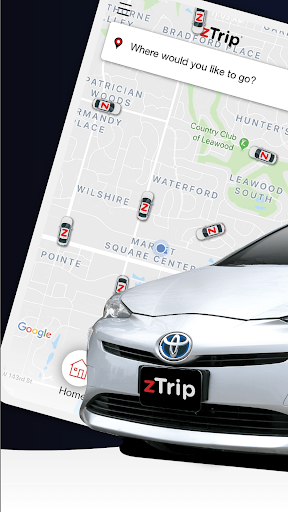
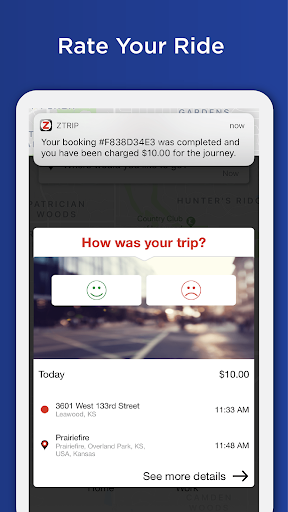
Annoyed by fluctuating fares and hidden fees? Imagine hailing a taxi with the ease of an app, but without the shock of surge pricing! zTrip provides exactly that—a reliable travel option for daily commutes or spontaneous trips.
With over 100,000 riders already using zTrip across the country, enjoy consistent, safe, and budget-friendly rides every time. Don't take our word for it—join the movement and discover a better way to get around! Download zTrip and begin your stress-free rides today!
🚕💨 Your next trip is just a tap away! ✅ No Surge
Features
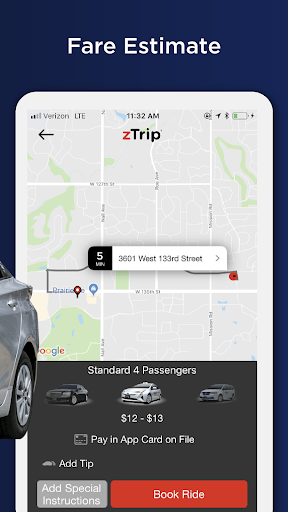
- Pricing Enjoy consistent pricing, especially during peak hours or special events, making your travel costs predictable. Perfect for daily commuters and event-goers who want dependable, affordable rides without price surges. Say goodbye to unexpected charges and hello to smart savings! 💰
- Flexible Payments Choose how you pay: cash, in-app, or credit card inside the car. Great for everyone, from fans of traditional payment to digital lovers. Enjoy the flexibility and convenience of payment options that fit your lifestyle. 💳💵
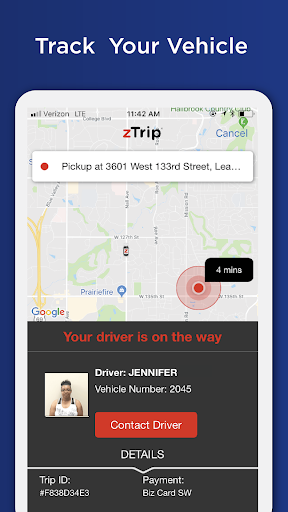
- Safety First Get the benefit of verified drivers, marked vehicles, and in-person background checks. Essential for solo travelers, families, and anyone who prioritizes safety. Travel with peace of mind, knowing your security is our top priority. 🛡️
Pros
- Fixed pricing is a game-changer, eliminating worries about surge charges during busy times. This reliability makes budgeting for rides really simple, a big plus for frequent commuters. Booking in advance offers great peace of mind, ensuring a ride is secured for important meetings or airport trips. The range of payment methods also accommodates many different user preferences. The emphasis on driver background checks and company-branded vehicles greatly improves the sense of safety. Knowing your driver has been thoroughly vetted and drives a professional car provides unmatched assurance.