orbitapk
Open menu
BVG Fahrinfo: Route planner icon

Safe APK Profile

BVG Fahrinfo: Route planner

Berliner Verkehrsbetriebe (BVG) · Maps & Navigation

4.1
Rating
1M+
Downloads
safe
Badge
Download latest version

Why this app stands out

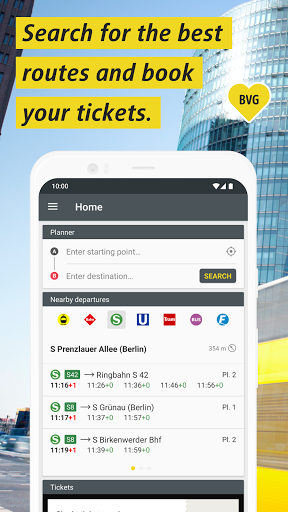
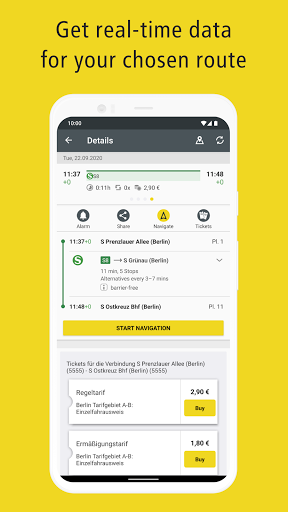
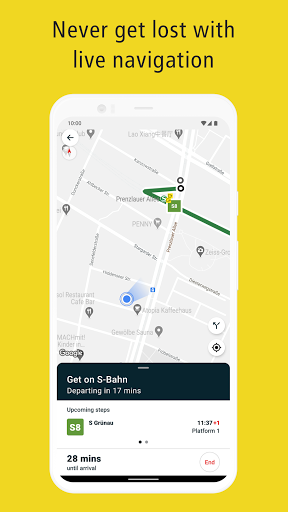
Navigating Berlin's bustling streets might seem overwhelming, but BVG Fahrinfo makes it a breeze! 🌬️ Picture yourself effortlessly finding the fastest U-Bahn route to your appointment, or smoothly planning a weekend tram trip along the Spree. 🚋 The app transforms travel anxiety into ease, offering live updates and hassle-free ticket purchases on your phone.

📱 With over 1 million people trusting it to explore the city, why not join them and see Berlin like a local? ✨ Download it today and start your adventure! 🚀

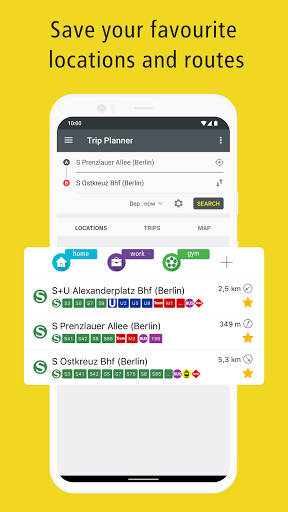
Journey Planner

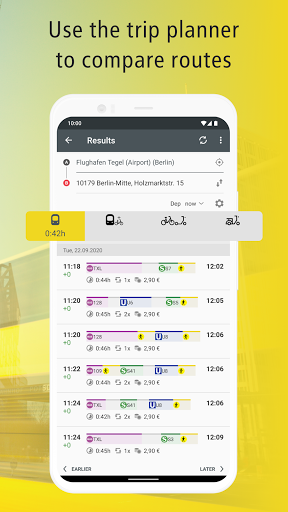
Never miss a connection again! Just type your destination and get instant, tailored travel options for buses, trains, and trams—perfect for daily commuters or tourists exploring Berlin. 🗺️ Real-time updates ensure you're always on the fastest route. ⏱️ This tool is a must-have for anyone wanting to navigate Berlin efficiently and avoid unexpected delays. 🚦

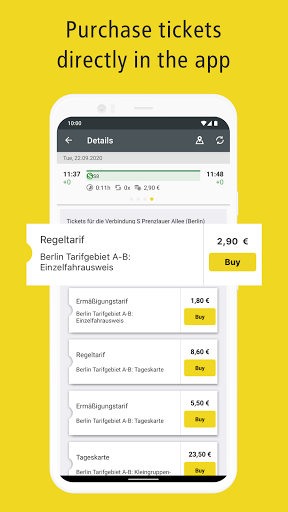
Ticket Purchase

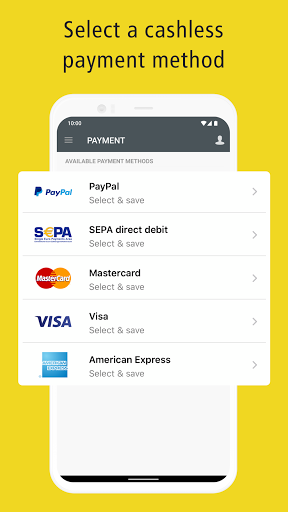
Forget about ticket machines! 🎟️ Purchase any ticket, from a single ride to a monthly pass, directly in the app with secure payment methods like

PayPal or credit card

Get your ticket instantly and hop on, saving time and hassle. It's a lifesaver for spontaneous trips or daily routines. 💯

Orbit safety scan

Download confidence at a glance

Source profile checked

Package identity, developer name, category, and public listing signals are grouped before the download decision.

Install intent clarified

Users can compare screenshots, rating, downloads, and feature notes without leaving the detail page.

No registration path

The CTA is designed around a direct, low-friction APK lookup flow for repeat visitors.

Independent catalog

orbitapk separates editorial app information from official ownership claims and brand assets.

What to review before installing

1

Match the app identity

Check the name, developer, and category against what you expected to install.

2

Scan the product fit

Use screenshots and feature notes to decide whether the app solves your current workflow.

3

Compare user signals

Rating and download volume help separate established tools from niche or newer releases.

Related picks

More Maps & Navigation apps to compare

Keep users moving with nearby alternatives instead of ending the page after the first content block.

More Apps