Editor's Review
Tired of getting lost on unfamiliar roads or using old maps? 😩 moviLink enhances your driving experience, making every trip smoother and more enjoyable! Navigate city streets effortlessly or travel with confidence thanks to real-time traffic updates and straightforward directions.
🗺️ Over 5 million drivers rely on moviLink for reliable navigation, even offline. Download now and experience the difference – your stress-free journey is just a tap away! ✨
Features
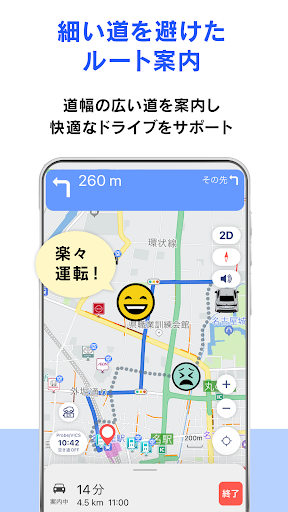
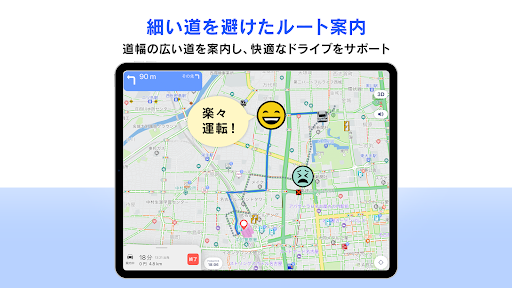
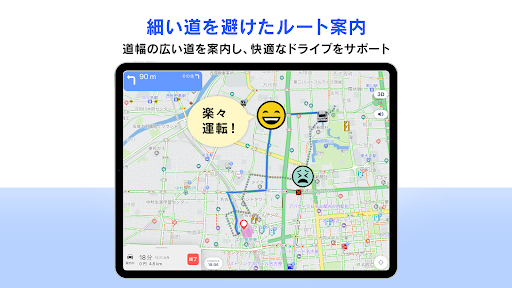
- Wide Road Priority Travel confidently by opting for wider, easier roads. Perfect for those who dislike narrow, winding streets. Enjoy a more relaxed commute and safer journeys, especially in new locations. Your driving peace of mind starts here! 🛣️✅
- 7 Route Options Customize your trip with 7 different route options. Whether you prefer the fastest or the most scenic, moviLink adapts to your preferences. Ideal for daily commuters and explorers planning diverse trips. Find your perfect route every time! 📍👍
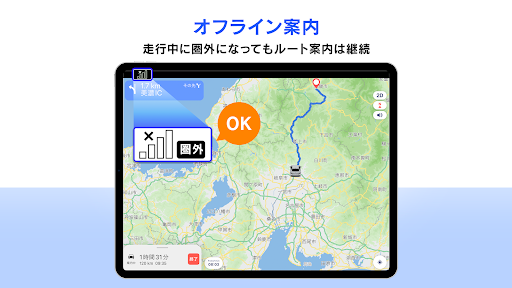
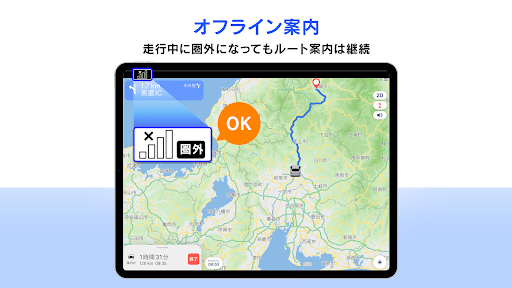
- Offline Navigation Continue navigating even without a signal! moviLink provides steady guidance in tunnels or remote areas where connectivity fails. Essential for adventurers heading off the grid. Never lose your way, wherever you go! 📶➡️🗺️
Pros
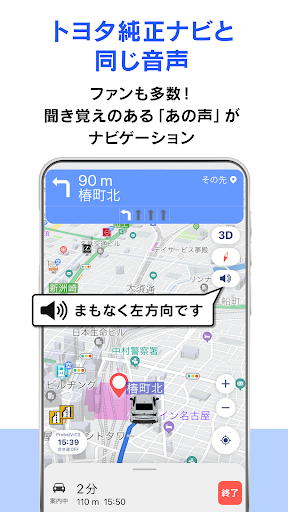
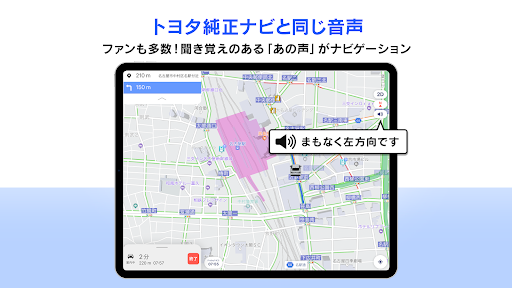
- The voice guidance matches Toyota's original navigation, giving Toyota drivers a familiar and comfortable experience. It's like upgrading your car's trusted system with new features. 🗣️🚗
- Real-time traffic information from Toyota's 'T-probe' and VICS provides extremely accurate arrival estimates, helping you avoid delays and better plan your day. Arrive on time, every time! ⏱️🚦
- The map is very clear and easy to read, with free updates keeping it current. This is a big advantage over built-in car navigation systems that often have outdated maps. 💯✨