Editor's Review
Tired of unexpected speed traps ruining your drive or leading to costly tickets? 😩 Imagine cruising with confidence, receiving alerts for every speed camera, accident, and even those sneaky unmarked patrol cars. Yanosik transforms that anxiety into peace of mind, with millions of drivers trusting its top-notch warning system.
It’s like a knowledgeable co-pilot! 🗺️ Plus, with intelligent routing to skip traffic and a built-in radio for entertainment, each journey becomes smoother and more pleasant. ✨ Try Yanosik today and experience a stress-free drive! 🚗💨
Features
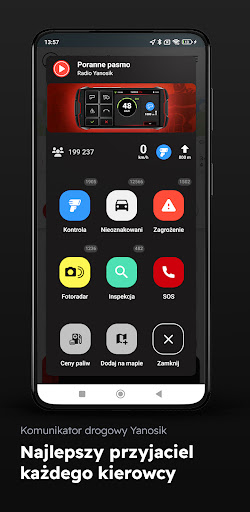
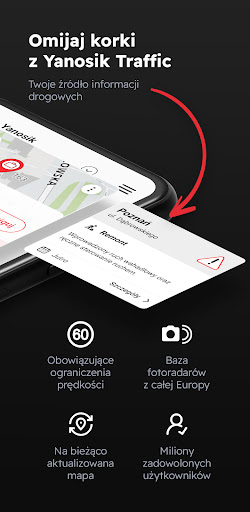
- Speed Alerts No more being caught unprepared by sudden speed checks! Yanosik alerts you to speed cameras, police patrols, and accident scenes in real time. Perfect for everyday drives and extended journeys, it assists all motorists in dodging fines and maintaining safety. 🚦✅
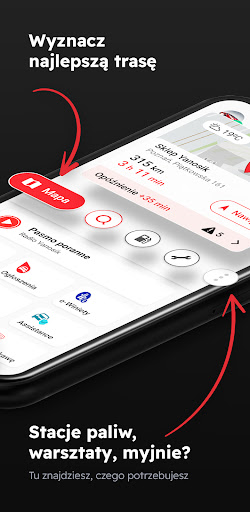
- Smart Navigation Navigate traffic effortlessly with Yanosik's SmartTraffic function. It provides current maps and real-time updates to bypass jams and discover the quickest routes. Ideal for urban drivers and frequent travelers seeking efficient journeys. 🛣️🚗
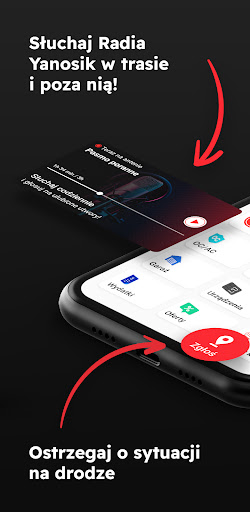
- In-App Radio Upgrade your driving experience with
- Radio Yanosik Enjoy music, podcasts, and captivating programs as long as you have internet access. A great companion for any motorist looking for additional enjoyment during trips. 🎶🎧
Pros
- The real-time alert system is extremely accurate, significantly reducing the chance of receiving speeding tickets. It provides a sense of security while driving, allowing for a more relaxed trip. 💯
- The navigation is remarkably up-to-date, constantly incorporating new roads and traffic information, helping you avoid unexpected delays and reach destinations faster. The intelligent traffic avoidance is a game-changer for busy roads. 🚀
- The 'buy a coffee, remove ads' feature is a clever and appreciated way to support the app's development while enjoying an ad-free experience. It feels like a fair trade-off for a valuable service. ☕👍